

R&D LAB Media Production In use Built for our own production
PixelForge
Our own media pipeline instead of a subscription
Image, video and audio through our own provider keys instead of a subscription. The result is not the picture, it is the recipe the picture can be made from again.
- 21models in the application's catalogue
- 6routes, one of them on our own GPU
- 26presets across five groups
- 12production runs without the interface
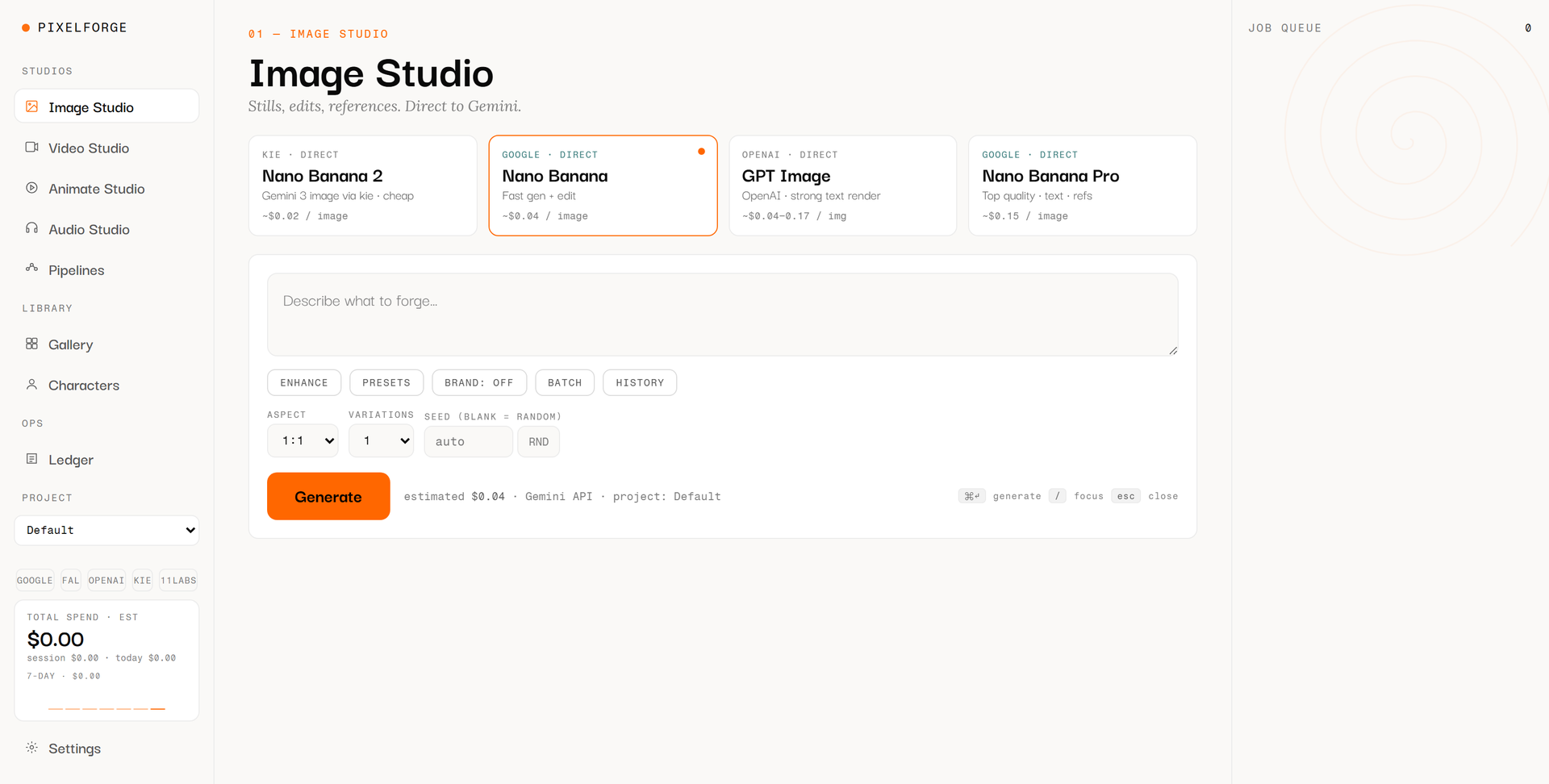
Captured in a fresh browser profile so that no keys, no gallery and no client work are in frame. The prices are the application's own estimates as of 22 August 2026, not a price quoted by us.
Why this is published
We sell software and automation, and we sell AI media production. PixelForge is the evidence for both in one piece: a pipeline we run ourselves, use on real jobs, and whose results come out labelled and traceable. Anyone who wants to know how we set up a media production can see here the version we built for ourselves.
Subscription interfaces for generative media solve the first attempt, not the tenth. They give you a fixed model list, no batch mode, no per-project cost account, and above all no way to set up an image the same way again six months later. PixelForge is a locally running server that talks to the providers through our own keys, can be driven from a user interface or equally from a script, and writes down the recipe every result came out of.
The decision
The result is not the picture, it is the recipe
The first prompt is always easy. It gets hard at the fortieth, when twenty images of one series have to match, when a character has to stay the same across three scenes, when a variant is requested after sign-off and nobody knows which model and which seed the others came from. That is exactly where a subscription interface stops helping: it shows results, it keeps no record.
So we inverted the relationship. The first-class object in PixelForge is not the image, it is the recipe: model, final prompt, chosen presets, brand, character reference, aspect ratio, duration, seed, plus a downscaled copy of every input image. The image is what comes out of executing that recipe. Running it again is therefore a button, not a search through history.
From that one decision the rest falls out almost by itself. If a job is a data object, a script can submit it too, and the interface becomes one of two doors rather than the only one. If it is a data object, it can be batched, handed to a pipeline in steps, and repeated on a different model: cheap for the draft, expensive only for the approved take. And because provider, model id and seed are recorded for every run anyway, the disclosure under Article 50 of the AI Act sits on the result instead of being typed in afterwards.
The price of that should be named plainly: the keys are ours, so the responsibility for them is ours, and nobody has audited the encrypted key store from outside. The application is single-seat; there is no shared gallery and no per-person cost account, and neither is described here as coming.
A picture you cannot set up again is a find, not a tool.
How a job runs
From the brief to a documented result
- 01 Brief A line of text, optionally with presets from five groups covering camera, light, style, format and motion, plus a brand, a character reference and an input image. From those the server assembles the final prompt and files it as a recipe.
- 02 Model choice The catalogue carries twenty-one models for image, video, animation and audio over six routes, one of them local for material that should not leave the house. A cheap model draws the draft; an expensive one renders only the approved take.
- 03 Cost Before the run there is an estimate on the button; after it, an entry in the project's own account. What a job cost in compute is then a number rather than a memory, and it can be exported as a table.
- 04 Result The asset lands in the gallery with its recipe attached. The same view holds the provenance panel: provider, model id, date, seed, estimated cost, a note on watermarking, and a ready-worded transparency notice to copy.
Four studios, one catalogue
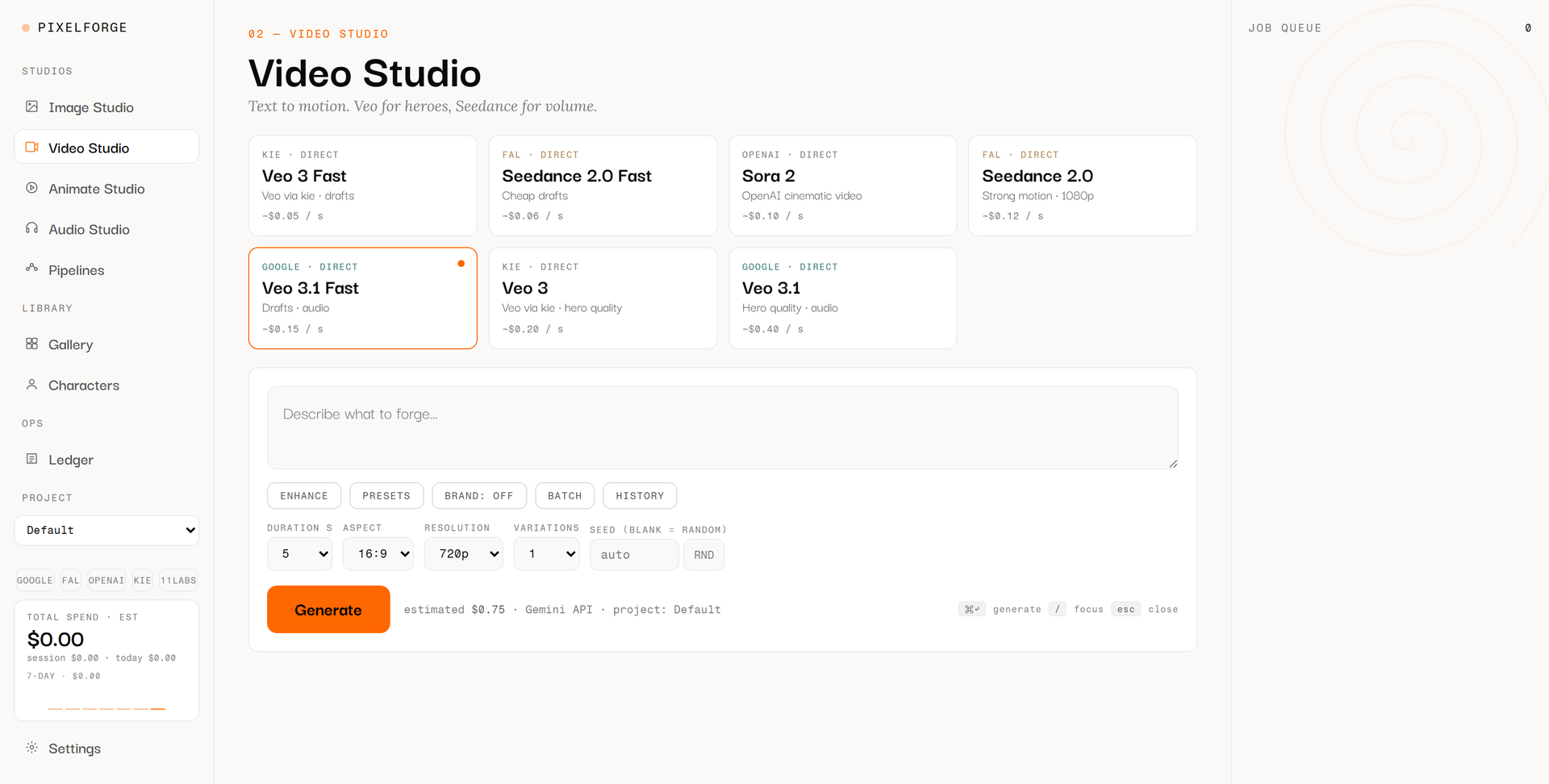
Image, video, animation and audio are four views onto one shared model catalogue inside the same application. Every card names the provider, the route and the estimated price the application itself carries; the choice is a cost decision visible before the click rather than on a monthly bill.
The value of that arrangement shows less on a single image than across a series. One and the same recipe can be sent to a fast model while the idea is still wobbling, and to a high-quality one once it holds. Conversely nothing lands on the expensive route by accident, because the expensive model sits on a card beside the others and not behind a default.
Having the audio in the same house is the second reason for this shape: the graphics, the sound effects and the voice-over of one piece are made in a single pass, under the same project name and in the same cost account.
What the switch changed
Before: a subscription interface
- A fixed model list; you switch only when the provider offers a switch.
- A monthly allowance, regardless of which project consumed it.
- A history of images, but without the parameters that produced them.
- No way to trigger a hundred variants other than by hand.
- Provenance and labelling arise afterwards, if somebody remembers.
Now: our own keys
- Twenty-one models side by side, one of them on our own GPU.
- One account per project, filled from the runs that actually happened.
- Every result carries its recipe, seed and input image included.
- One prompt per line, or a script calling the pipeline from outside.
- Provider, model id, seed and the Article 50 notice sit on the result from the run onwards.
What is written on a finished asset
Audio in the same interface
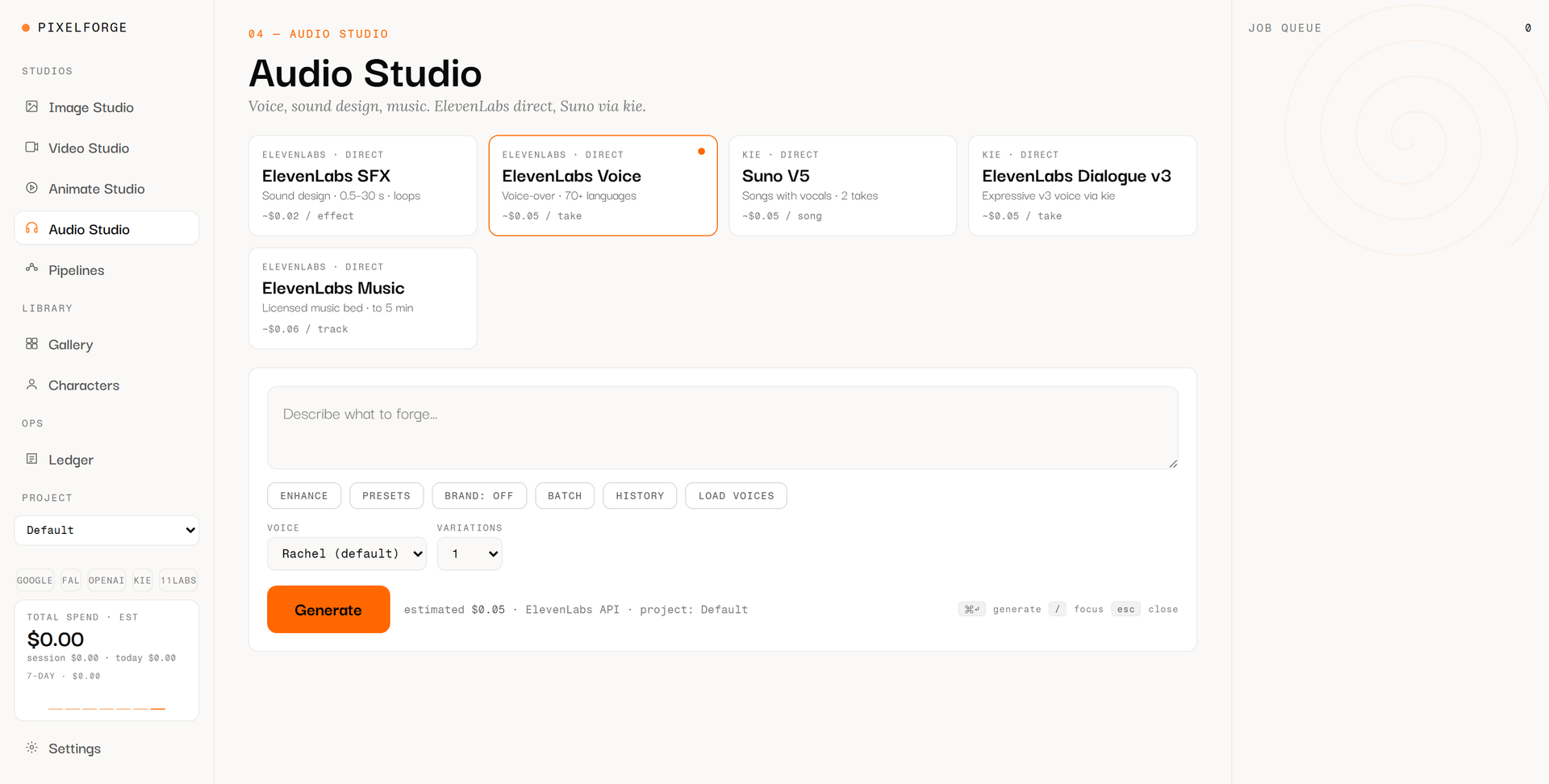
Audio was the last gap and the one where the recipe idea pays off most visibly. A voice-over is rarely accepted on the first take; repeating a take requires the voice, the model and the text as data rather than as a screen state. The same view supplies sound effects and music beds, so an explainer piece is made in a single pass.
What is not here is a price comparison. The application carries estimates that change, and the overview inside the project is marked as needing a re-check before anything is quoted. That is why this article names no costs, neither per asset nor per month.
What we have used it for so far
- Wordmarks and app icons for our own products, in several variants to choose from
- Complete sprite sets for interactive applications, including characters that come apart
- Sound effects, voice-overs and music beds for those same applications
- Isometric concept drawings as explanatory images for our own outward presentation
- Imagery for landing pages, in a style held consistent across a series
Why this is published
What this means for your project
More from the lab
 Method Event Scout A language model reads the event pages; everything else is fixed code. What remains is a short list of where a day in person is worth it.
  Applied Research Vellum Edges, perspective, light and text are all worked out on the phone. A document leaves the device only when someone sends it.
 Do you need media in series rather than one at a time, and should they be reproducible a year from now? That is exactly what a pilot is for.
Get in touch