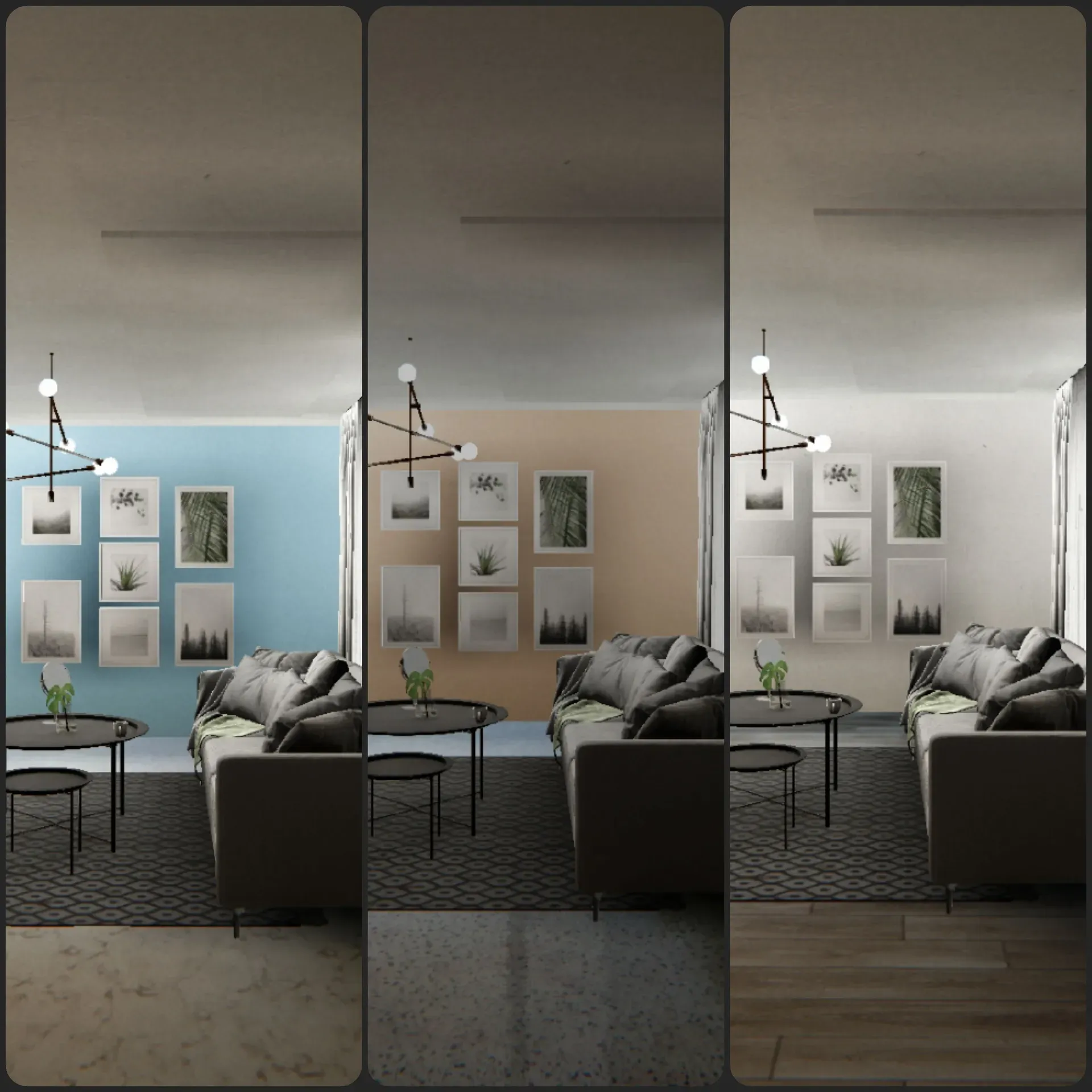

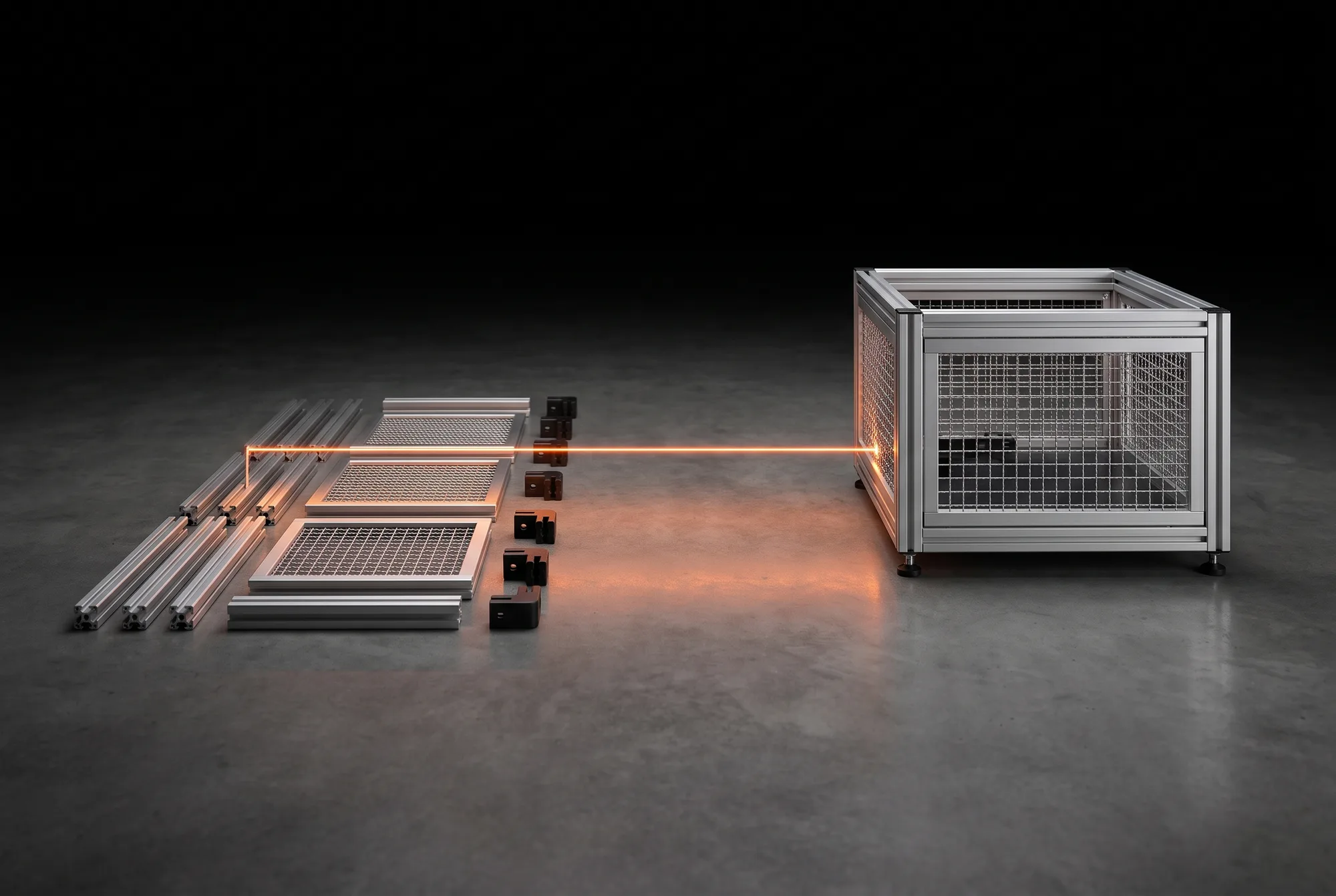
AI-GENERATEDAI-GENERATEDIllustration, AI-generated: sorted individual parts and the enclosure built from them. Not a photograph from a project.
Does this sound familiar?
Take as an example a machinery manufacturer who sells modular protective enclosures made of aluminium profiles. Their inside sales team keeps answering the same questions about dimensions. Choose the situation closest to yours, and the page adapts the route and the calculation to match.
What we build for it
A web configurator that calculates a drawing, key figures and a bill of materials from your rules.
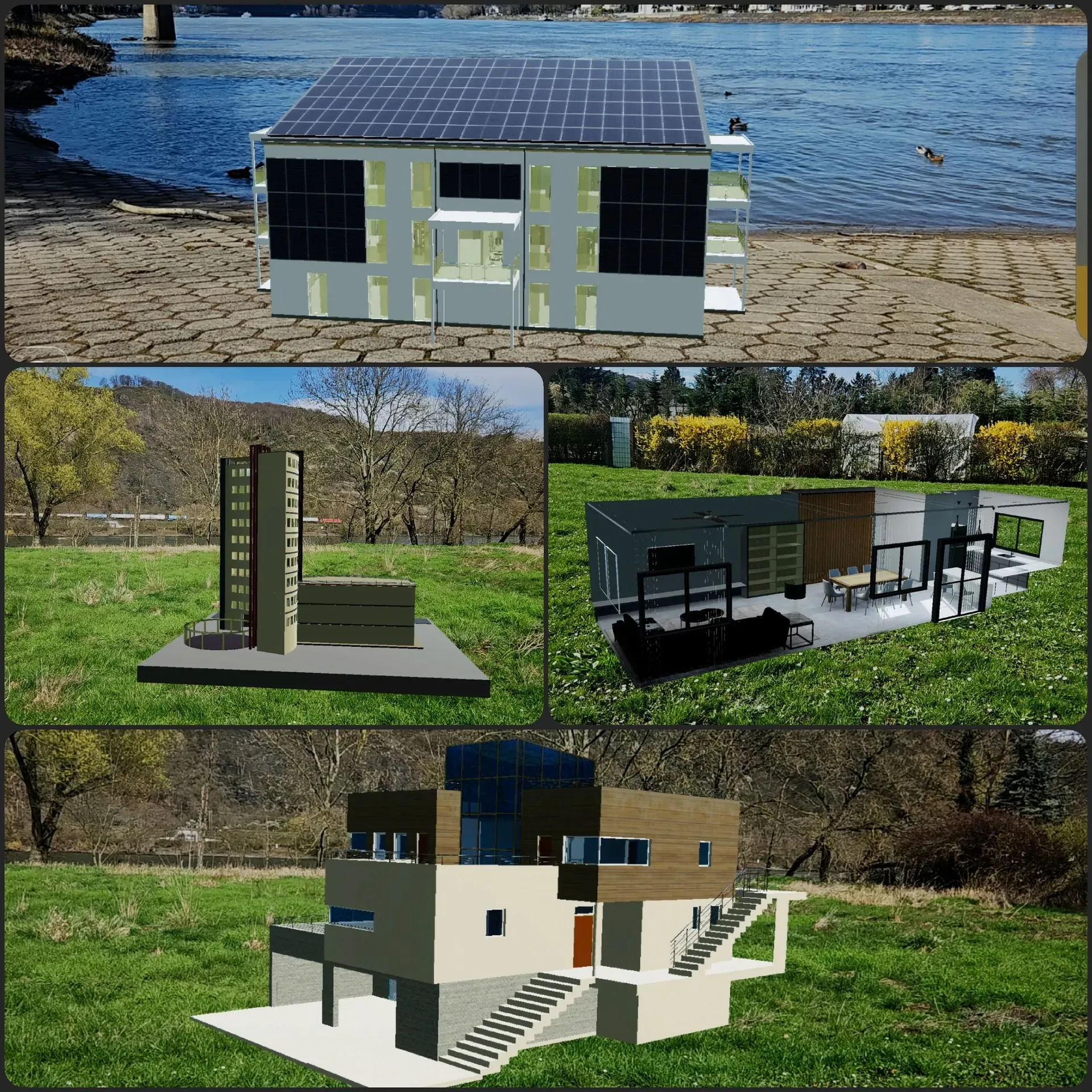
An interactive 3D plant or a 3D explainer film that shows what a brochure and a conversation leave open.
An AR app, a WebXR presence or a VR walkthrough, depending on the location and the audience.
Where the route starts
In the Clarify stage: which variants exist, and which combinations are permitted?
Usually straight at the prototype, because the plant and the audience are known.
In the Clarify stage: there you decide whether a browser, an AR app or a VR walkthrough fits.
Browser configurators come first, because they generate requests and bills of materials right where customers are already looking. We build explainer pieces, films and AR and VR applications when size, interior detail or spatial impression decide the purchase.
In the example, inside sales clears every request in several rounds by email. Enter your own figures, and the page calculates how many hours a configurator could take over.
In the machinery manufacturer's example, follow-up questions arise mainly around width, doors and infill.
For products that need explaining, count the follow-up questions after trade shows and sales meetings.
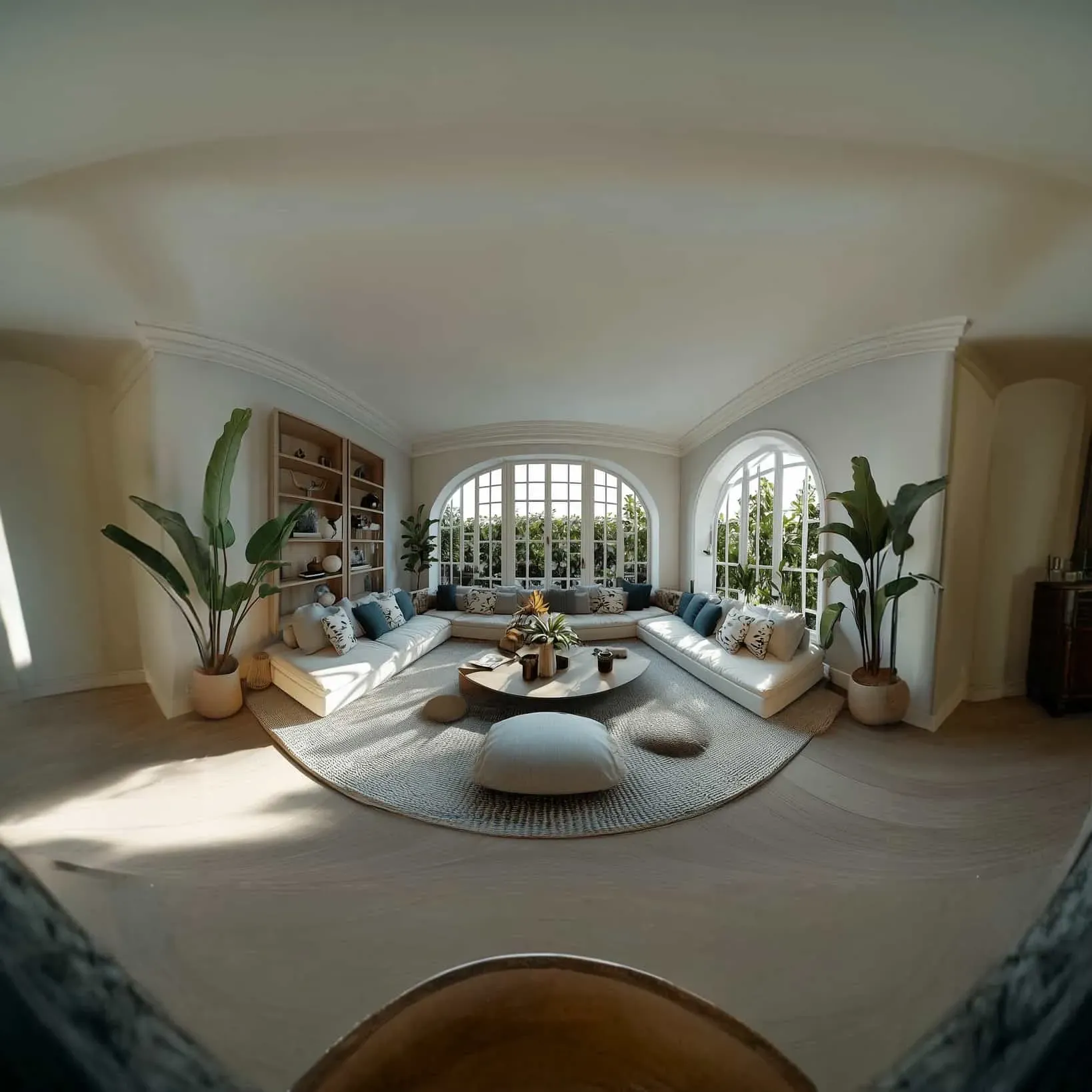
For real estate and interiors, one follow-up round often means another on-site appointment.
Hours per year a configurator could take over
192hours
Value of these hours
9,504EUR
Requests per year without a follow-up
192requests
That is roughly as much as one full-time employee works in 4.8 working weeks.
With a budget of 0 EUR, the amount would be offset by the hours gained after about 0 months.
The page only calculates a payback period if you enter an amount.
Worked example with your inputs, not a forecast.
How the calculation works
Hours per year = requests per month × 12 × follow-up rounds × minutes per round ÷ 60 × share without follow-up
Value in EUR = hours per year × labour cost per hour
Requests per year without follow-up = requests per month × 12 × share without follow-up
Working weeks = hours per year ÷ 39.9 weekly hours of a full-time employee
Months to payback = budget ÷ (value in EUR ÷ 12)
Labour costs and weekly hours come from Destatis23. The calculation assumes that a request the configurator resolves no longer needs a follow-up round. Requests with special requirements continue as before.
Route from A to B
Four stages to a running configurator
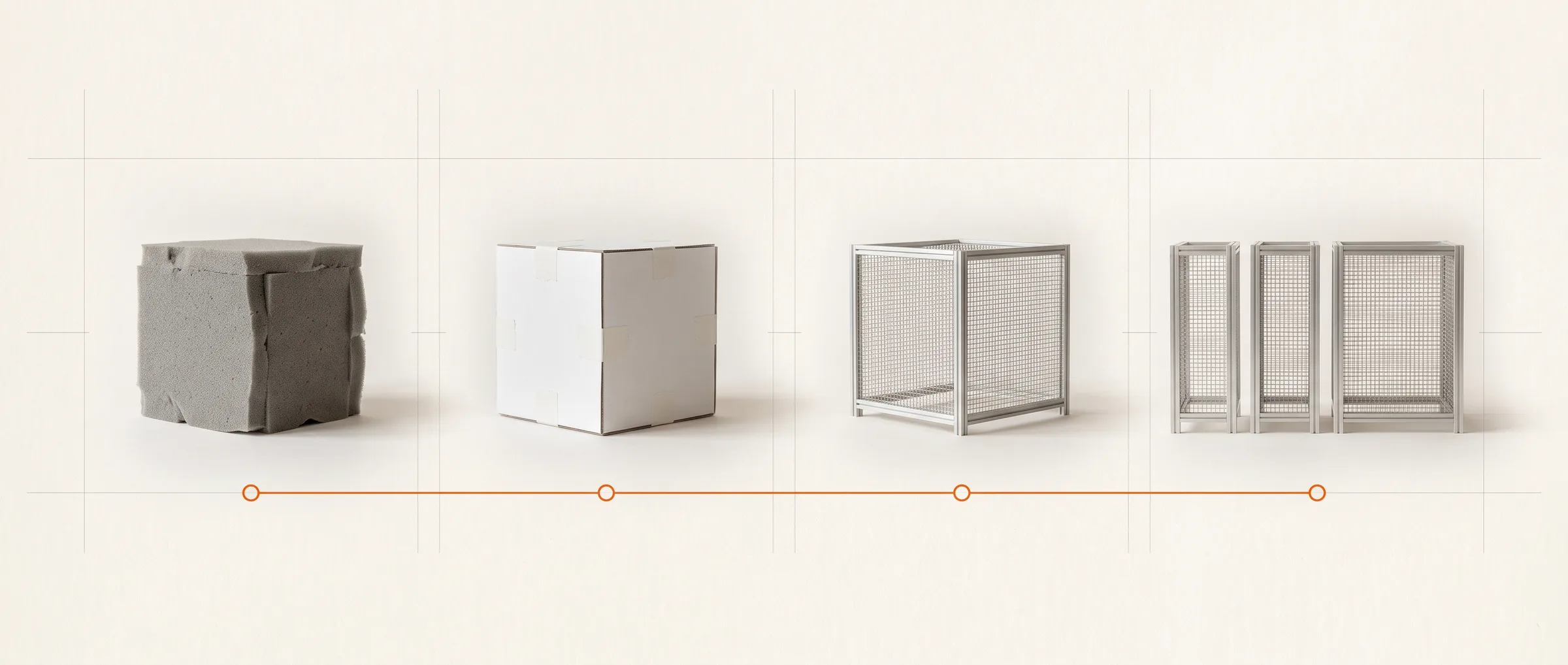
This is how a project usually runs. After each stage you decide whether and how to continue, and the highlighted stage shows where most projects with your starting point begin.
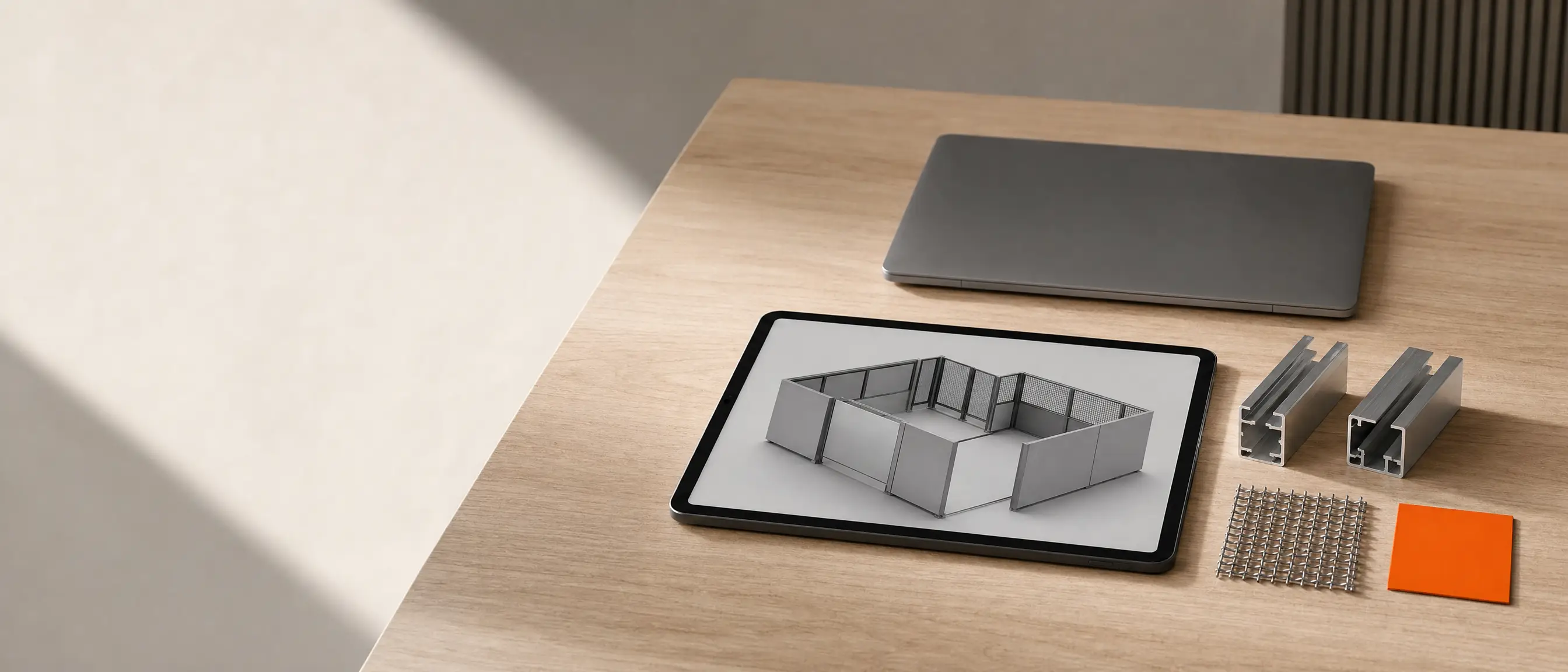
AI-GENERATEDAI-GENERATEDIllustration, AI-generated: from the rough block to the finished product line.
Try beforehand for yourself how a calculator works with rules (in German): Fassaden-Rationalisierer
Clarify
Most projects with this starting point begin here
We write down with you which variants exist, which combinations are permitted and in which form customers should see the product.
With dimension questions, the work sits first in the rulebook, so it begins with Clarify.
The product and its data are usually already available, so a short Clarify stage on level of detail and location is enough.
First comes the decision on whether a browser, an AR app or a VR walkthrough fits the location and the audience.
This is what a project usually looks like in files and milestones. Which deliverables apply to you, we decide together in the Clarify stage.
Clarify
The basis for deciding which form the configurator takes.
Document
Variant rulebook
Records as a table which combinations are permitted, so sales, engineering and the configurator read the same rule.
Document
Decision on the form
Determines whether a browser, an AR app or a VR walkthrough fits the location and the audience.
Document
Data intake from CAD
Shows which components are taken from your design data and how fine the model needs to be.
Prototype
Click dummy
Makes the flow from the first control to the request operable before any programming happens.
Prototype
A measurable version built on your real models.
Prototype
Working prototype
Shows the most important variants on your real models, so sales and customers can try it out.
Document
Load-time measurement
Shows how quickly the model loads on your customers' devices, before all variants are added.
Rollout
The configurator in your sales team's daily work.
Code
Configurator with all variants
Covers the range that should be configurable online.
Code
Handover to CRM or ERP
Passes the request and bill of materials on as a data record, so inside sales does not have to retype anything.
Code
Integration into your website
Places the configurator where customers are looking for the product anyway.
Training
Process for new variants
Shows your team in a training session how a new version gets from the rulebook into the configurator.
Operation and expansion
The basis for taking the configurator further.
File
Handover package
Model files, the rule table, source code and documentation, with which your team or a provider of your choice can continue the work.
Code
Further products or forms
On request, further product lines or an AR view are added on the same rule.
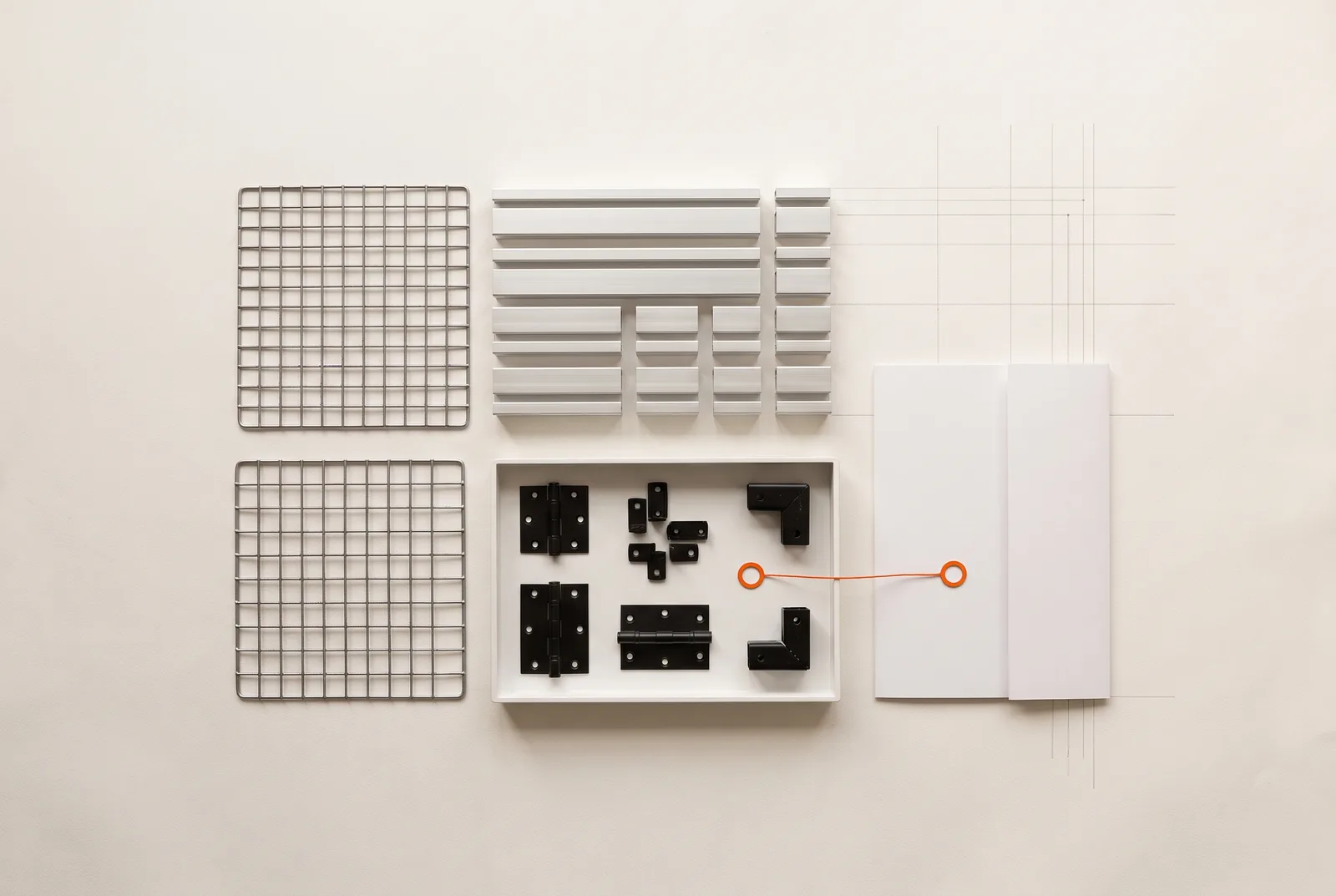
AI-GENERATEDAI-GENERATEDIllustration, AI-generated: sorted parts and the folder that goes with them.
Try the configurator from the example
Here is the machinery manufacturer's enclosure as a configurator. Set width, depth, height, infill, plinth and doors, and watch the drawing, key figures and bill of materials calculate along with them.
Demonstration · 1,000 mm module grid · Units in millimetresMesh · 4 x 3 fields
Footprint
12.00m²
Envelope area
30.80m²
Weight
255.3kg
Individual parts
186pieces
Bill of materials for the selected configuration
Item
Qty
Unit size
Total
Post 40 x 40
14
2,200 mm
30.80 m
Rail 40 x 40
42
1,000 mm
42.00 m
Door frame 40 x 40
4
2 x 1,000 / 2 x 2,200 mm
6.40 m
Infill Wire mesh 4/40 mm
13
1,000 x 2,100 mm
27.30 m²
Door infill Wire mesh 4/40 mm
1
1,000 x 2,200 mm
2.20 m²
Plinth sheet 2.0 mm
13
1,000 x 100 mm
1.30 m²
Clamp connector
84
40 mm slot
7.14 kg
Base plate 120 x 120 x 8
14
per post
12.66 kg
Door hardware set
1
Hinge, hinge, lock
1.20 kg
Total
186
Total profile 79.20 m
255.3 kg
This button only writes the configuration into the box beside it. Nothing is sent or saved.
Nothing applied yet.
Because the drawing and the bill of materials come from the same rule, the configurator states quantities and does not allow settings that are not permitted.
All figures are calculation results of this page with assumed material densities, not project figures. In a real project the values come from your design data.
Projects
Where we have built applications like this
The configurator above is a demonstration. The following work was built for clients or is one of our own tools, and each card names a figure from the linked page.
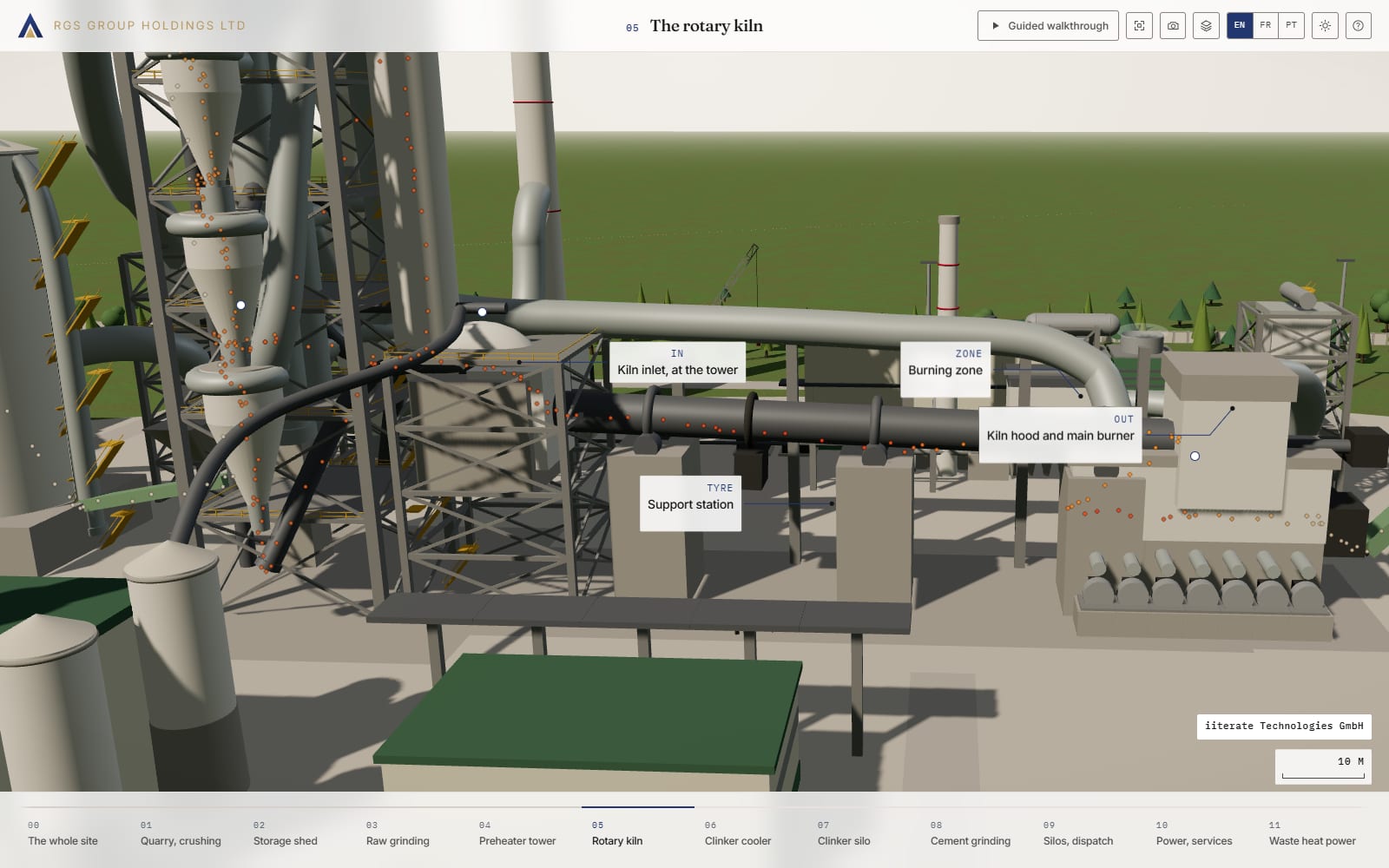
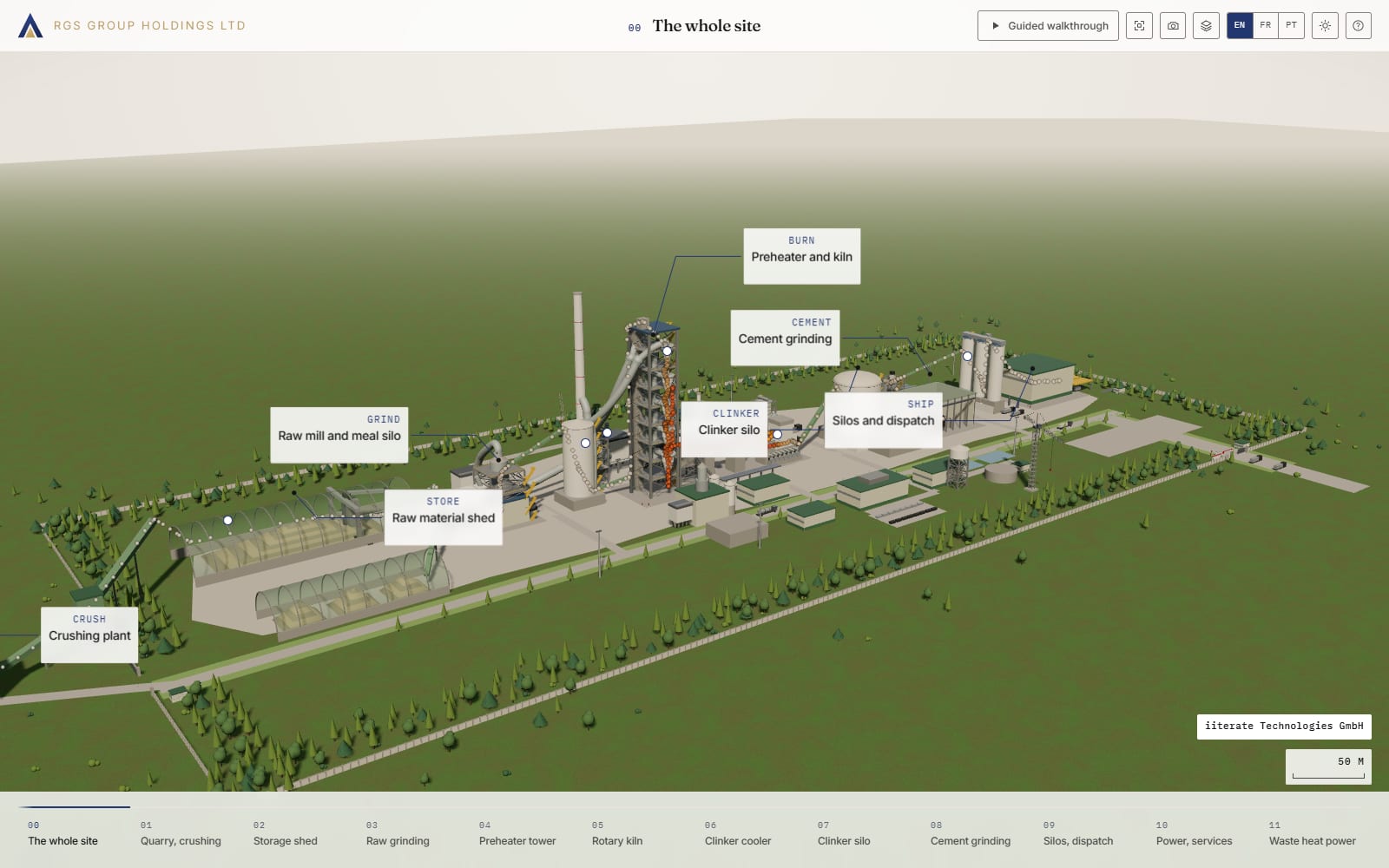
Screenshot of the project, built for RGS Group Holdings.
Project, built for RGS Group Holdings
Inside the Line
Starting point
A cement plant is a machine about a kilometre long, and hardly anyone who decides about it has seen it from the inside.
Implementation
The line is built to scale in the browser, with twelve stations, labels, sections and a guided walkthrough in three languages.
What it shows
A single file holds every dimension, and geometry, cameras and labels read from it, so the image and the figure stay in sync.
“The iiterate team is very resourceful and worked with us to find the AR solution that best suits our needs.”
Elmar Thyen & Kaif AliCEO, Space Era
How the collaboration usually works
We build the configurator; the knowledge about your product sits within your company. These are the points where the two come together.
How a project runs, with the contributions of both sides
Step
What happens
Your contribution
First conversation
We talk about the product, the variants and the questions customers ask today.
A contact person from sales who knows the typical follow-up questions.
Clarify
We record dimensions, components and dependencies from your documents.
CAD data or drawings of the products that should become configurable.
Rulebook
We write the variant rulebook as a table and review it with you.
The list of variants and the rules, even if so far they only exist as a table or in one person's head.
Prototype and rollout
We build the prototype and the rollout in interim versions you can try out.
Feedback on the interim versions, ideally from both sales and engineering.
Integration
We connect the request and the bill of materials to your systems and train your team.
Access to your website, CRM or ERP, and a person who will create new variants going forward.
Does a configurator fit your product?
Not every product needs a configurator. The two lists help with a first assessment.
A good fit if
Your product exists in many variants, and the rules behind them can be described.
Customers only understand the product once they see its size, structure or interior.
CAD data or reliable drawings exist for the products.
Less of a fit if
There are only a few variants, and good photos answer your customers' questions.
The goal is attention, and no request is meant to reach sales.
Nobody in the company can name the rules, in which case the Clarify stage comes first.
Frequently asked questions about 3D configurators and XR
Can we use our CAD data?+
Yes, your CAD data is the source. A lighter version is derived from it for the browser, because a model taken directly from the design is almost always too fine. A derivation that can be regenerated whenever something changes makes more sense than a second model rebuilt by hand.
Does it have to be 3D, or is a drawing enough?+
Often a drawing is enough. A dimensioned view like the one in the configurator above loads quickly, can be printed and answers questions about size, structure and quantity. Real 3D pays off when customers need to walk around an object, look inside it or judge sizes in a room.
How large can a model in the browser be?+
There is no fixed limit, what matters is load time and the device's memory. That is why the prototype is usually measured on the devices your customers use, and the level of detail is set afterwards. A model for sales usually needs far less detail than one for production.
Who creates new variants?+
That depends on where the rule lives. If the variant space sits in a table and the geometry is calculated from it, a new variant is an extra row your team can maintain without a 3D program. If every variant is its own model file, each new one becomes its own task.
When are AR or VR better than the browser?+
AR pays off when customers want to see at the installation site whether size and scale fit, VR when the sense of space carries the decision. For anything a link can handle, the browser stays the simpler choice, because nothing needs to be installed. According to Bitkom, one fifth of companies with 20 or more employees already use AR or VR technology respectively.
Where does the data visitors enter run?+
If the rule runs in the browser, the configuration stays on the visitor's device until they send it. If price tiers, customer terms or design knowledge are part of the calculation, it belongs on a server you determine, and the browser only receives the result.
What is included in the handover of a configurator?+
Model files, the rule table, source code and documentation are usually included. With these, your team can create new variants, or have the application developed further by a provider of your choice.
Does the configurator have to run on someone else's platform?+
No, it does not. A configurator built this way is a web application that can run on your website or on a server of your choice. If a parametric definition remains the source, it likewise runs as a service on a server you determine.
Statistisches Bundesamt (Destatis, the Federal Statistical Office of Germany), press release no. 148 of 29 April 2026: “Eine Arbeitsstunde kostete im Jahr 2025 durchschnittlich 45,00 Euro” (an hour of work cost EUR 45.00 on average in 2025; manufacturing figure in the table: EUR 49.50). https://www.destatis.de/DE/Presse/Pressemitteilungen/2026/04/PD26_148_624.html
Which dimension question does your inside sales team answer most often?
Which part of your product is hardest to explain?
Where should customers see your product in the room?
Bring your list of variants, and we will discuss whether a rulebook like the one for the machinery manufacturer in the example is the right first step.
Describe the plant and the audience to us, and we will discuss whether a walkable 3D plant, a film or a drawing fits best.
Describe the object and the location to us, and we will discuss whether a browser, an AR app or a VR walkthrough fits.
We would use Google Analytics to understand which pages get read. It sets cookies and sends data to Google. It is not necessary: the site works fully without it.