
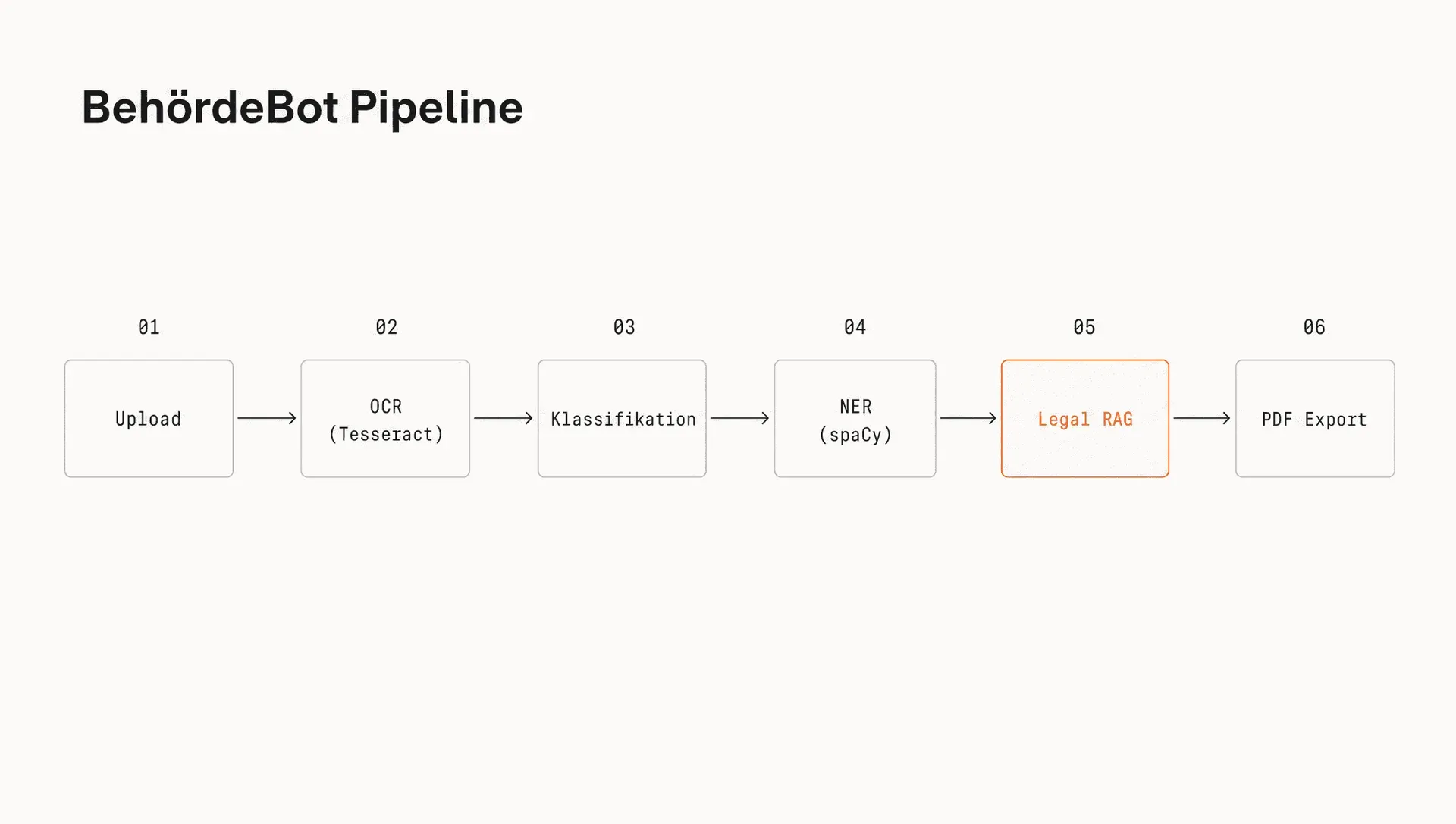
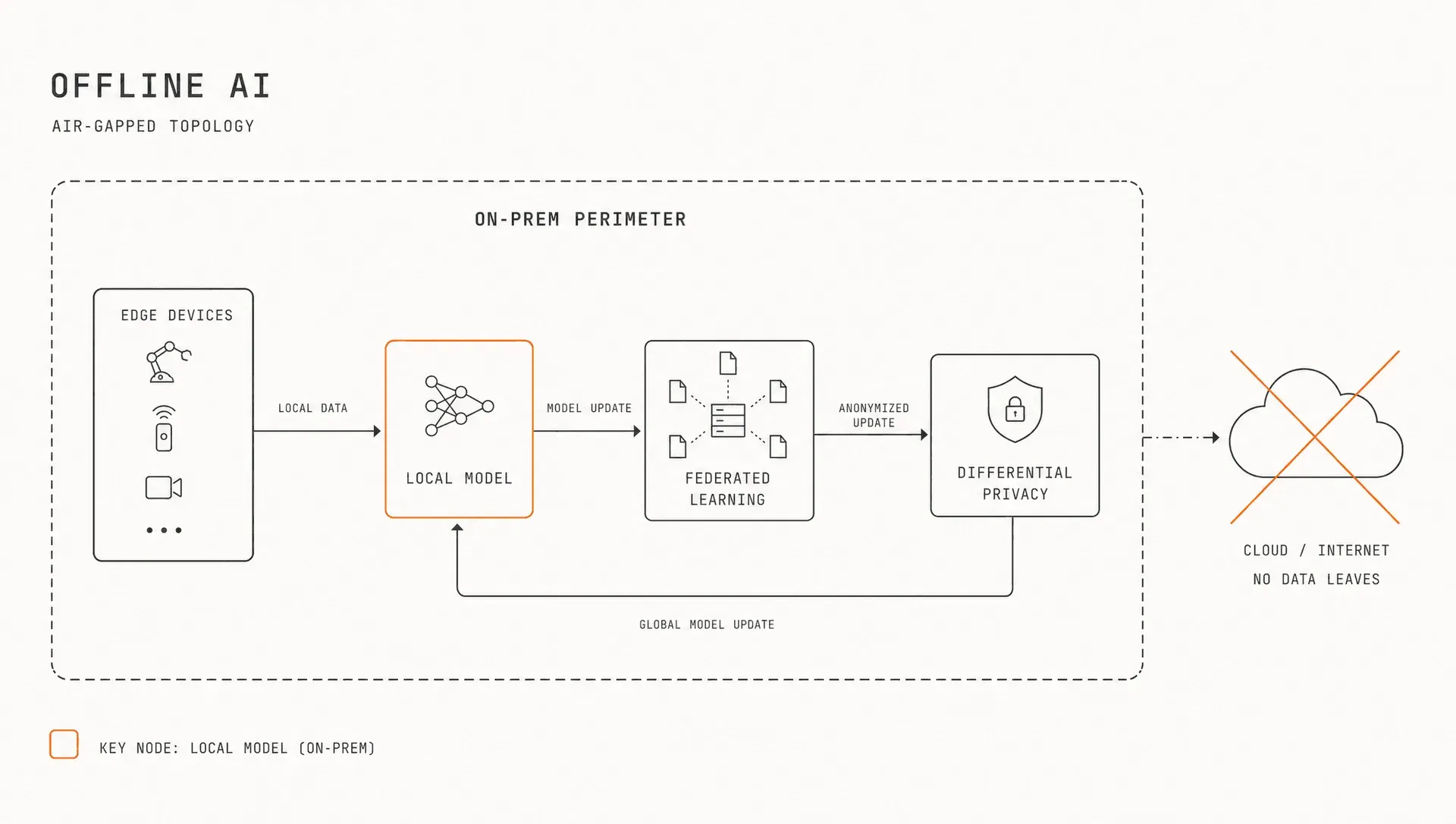

AI-GENERATEDAI-GENERATEDIllustration of the service, AI-generated. It does not show a photograph from a project.
Does one of these situations sound familiar?
AI projects often start from one of three situations. Choose the one closest to yours, and the route and worked example further down adapt to it. One example runs through the page: a machinery manufacturer whose service team looks things up in manuals and whose documents must not leave the building.
What we build for it
A knowledge assistant that answers questions from your documents and shows the source for every statement.
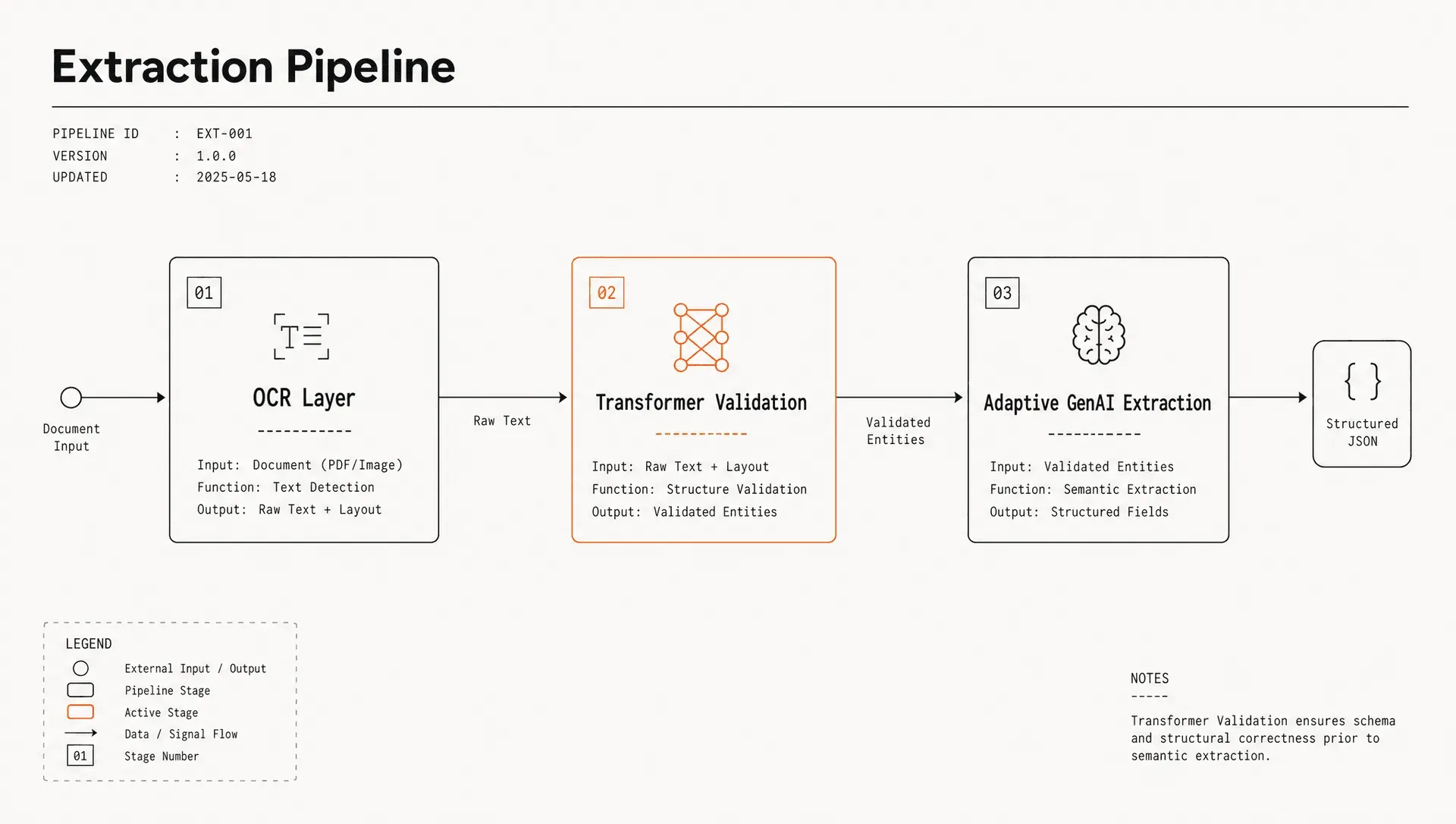
An extraction system that reads values from documents, flags uncertain fields for review and passes the result to your system.
A system with a language model on your own network or run by a provider in the EU, matched to your data classification.
Where the route starts
In the Clarify stage: which questions come up often, and which documents contain the answers?
Usually straight at the prototype, because the task is clear. The Clarify stage is short in that case.
In the Clarify stage: there you decide on the operating mode and classify the use case under the EU AI Act.
Check for yourself
The RAG-Readiness-Check (in German) shows where your document collection stands.
Each situation calls for a particular kind of system. The tiles lead to projects, case studies and applications of our own that show what this kind of system looks like in our work.
How many hours go into looking things up and typing
Calculate with your own figures. The defaults show the machinery manufacturer from the example: eight people in service who spend three quarters of an hour searching documents every day. Change any figure that is different for you.
In your situation, what counts most are the minutes someone spends searching manuals, standards and old quotes.
In your situation, what counts most are the minutes someone spends copying values from documents into the system and checking them.
In your situation, the calculation changes little: the operating mode determines the effort of running the system, the hours tied up stay the same.
Hours per year a system could take over
396hours
Value of these hours
17,820EUR
Full-time equivalents
0.23
That is roughly as much as one full-time employee works in 10 weeks.
That is roughly as much as 0.2 full-time employees work in a whole year.
With your budget, the project breaks even on paper after about 0 months.
Enter a budget of your own, and the calculation shows here after how many months the project breaks even on paper.
Worked example with your inputs, not a forecast.
How the calculation works
Hours per year = employees × minutes per day ÷ 60 × share × working days
Value = hours per year × labour cost per hour
Full-time equivalents = hours per year ÷ (39.9 weekly hours ÷ 5 × working days)
Weeks of a full-time employee = hours per year ÷ 39.9
Months to payback = budget ÷ (value ÷ 12)
Labour costs and weekly hours come from Destatis12. The minutes are an example value: a survey by the software vendor Atlassian puts the time office workers in Germany spend searching for information at around ten hours a week3, and the default here is well below that.
The route from your situation to a running system
A project usually runs in four stages, and after each stage you decide whether and how to continue. The highlighted stage is where most projects with your starting point begin.
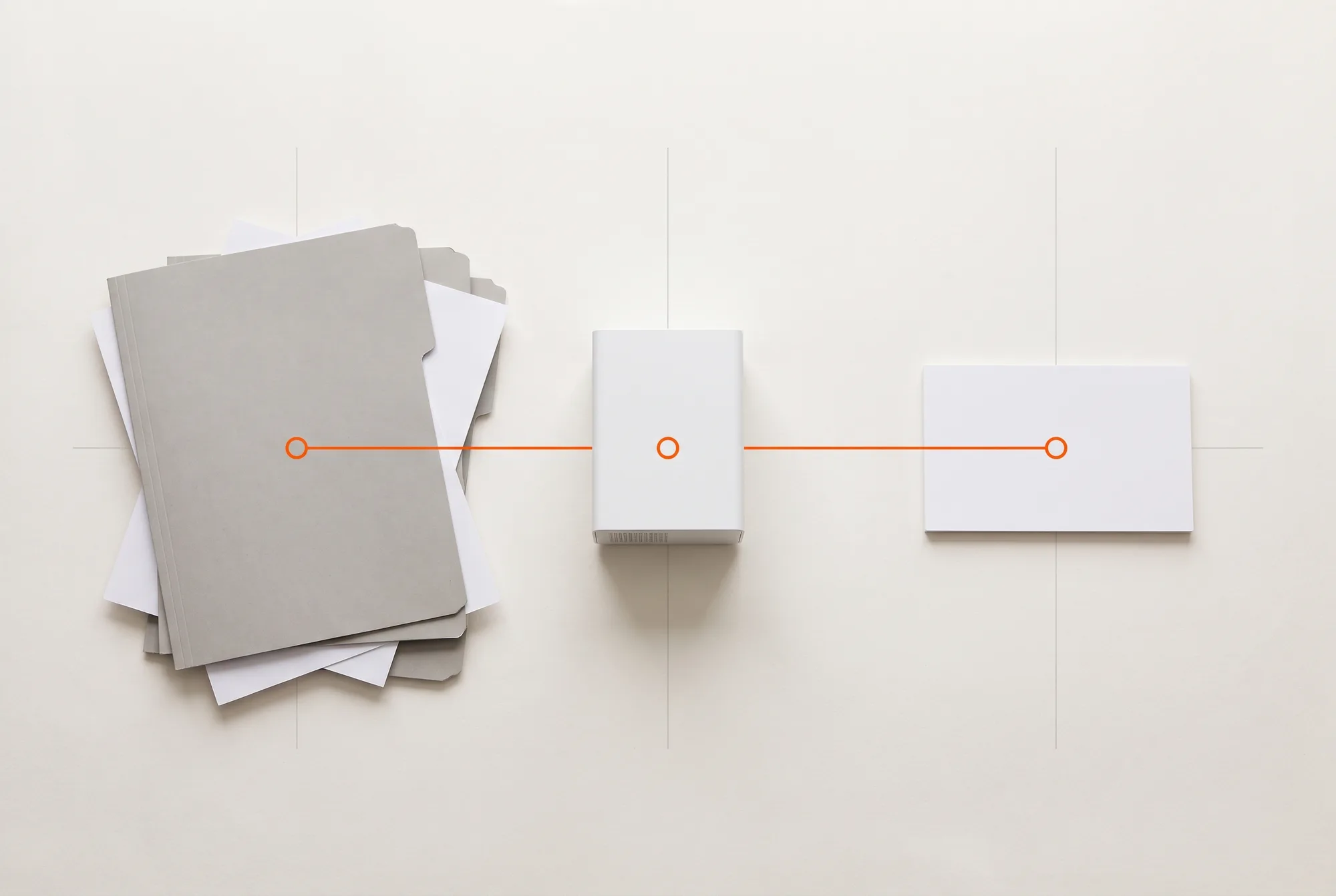
AI-GENERATEDAI-GENERATEDIllustration, AI-generated: four stations from an unsorted collection to a running system.
Check beforehand for yourself (both tools in German): the RAG-Readiness-Check shows how far along your document collection is, and the KI-Readiness-Check assesses the project as a whole.
Clarify
Most projects with this starting point begin here
We collect frequent questions or document types, review your documents and decide where the system should run.
Often short with your starting point: the task is clear, and usually only the choice of document types remains open.
With your starting point, this is where the operating mode is decided, as in the insight section further down.
Each stage ends with tangible results on which the next decision rests. The list shows typical results; what your project needs, we decide together.
Clarify
The basis for deciding where to start.
Document
Overview of use cases
Shows which questions or documents come up most often and in which order to tackle them.
Document
Inventory of documents and data
Shows where the documents are stored, in which versions and who may access them.
Document
Operating mode recommendation
Explains whether a cloud API, operation in the EU or your own network suits your data classification.
Document
Decision paper
Summarises benefits, effort and open questions so that your management can decide.
Prototype
A measurable version built on your own documents.
Prototype
Working prototype
Works with real documents, so your team can try it out with its own questions.
File
Test set with correct sources
Real questions from your daily work, each with the passage a correct answer has to cite.
Document
Measurement report
Records how often the correct passage was found and makes later changes comparable.
Rollout
The system in your team's daily work.
Code
Integration with systems and access rights
Connects repositories and business systems, and each person sees only what they may see without AI.
Code
Interface for the team
A view in which your team asks questions, checks answers and opens sources, in the browser or in an existing tool.
Training
Training
Shows users how to check answers and report gaps in the collection.
Document
Operations documentation
Describes the architecture, how the search index is updated and how a model is swapped.
Operation and expansion
The basis for taking the system further.
File
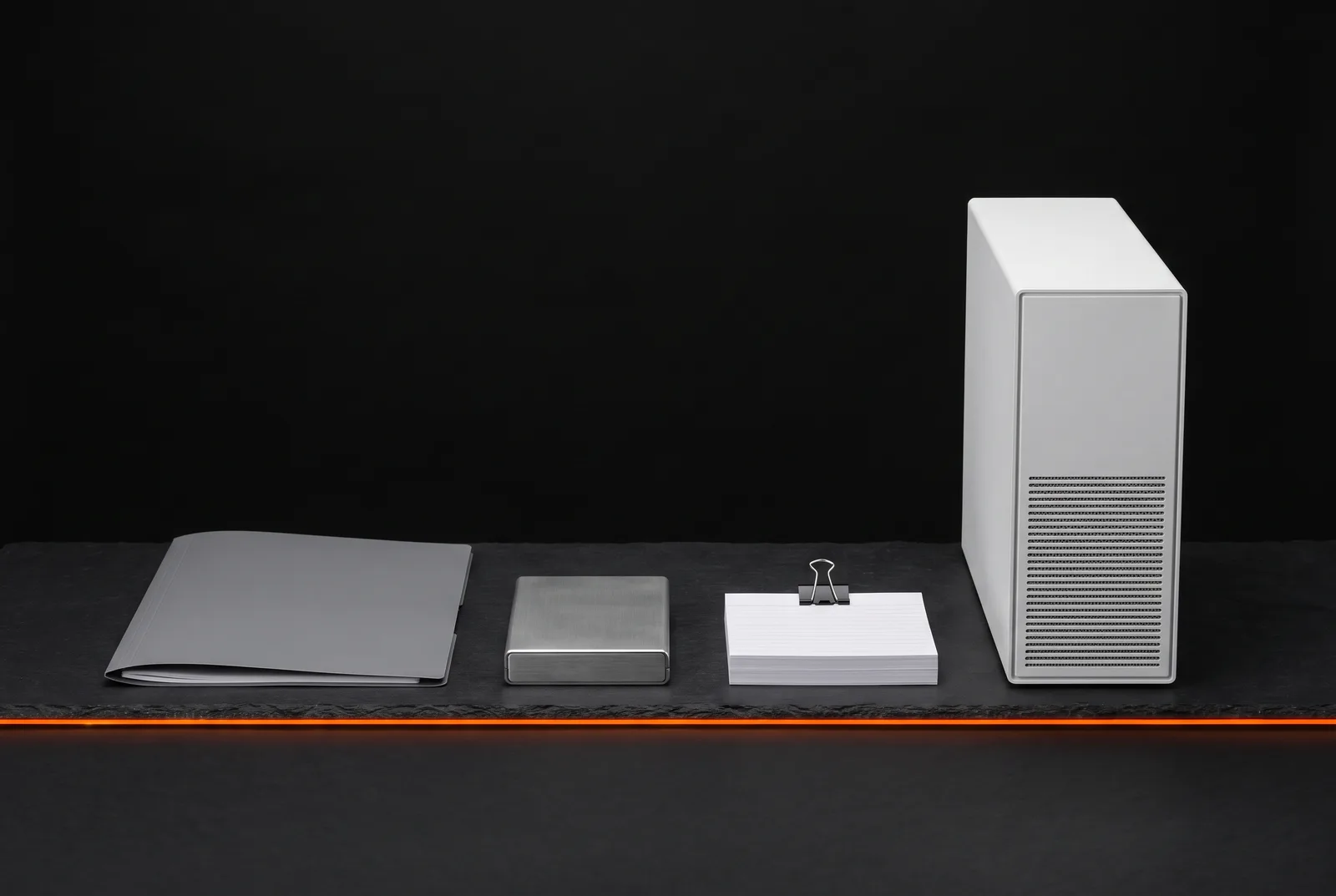
Handover package
Source code, documentation and a deployment description with which your IT can run the system itself from a technical standpoint.
Code
Expansion to further collections
If you wish, further repositories, document types or departments are added, with the same test set as the benchmark.
AI-GENERATEDAI-GENERATEDIllustration, AI-generated: documents, storage and device as an image for the handover package.
Insight
Which operating mode fits your requirements
For many projects, the most important decision in the Clarify stage is where the language model runs. The comparison turns five inputs into requirements and shows what a cloud API, EU hosting and on-premises operation each offer. Set the data classification to “trade secret”, as for the machinery manufacturer.
Demonstration · calculated on this page, not project figuresData classification internal · 20,000 documents per month
Bar: what the operating mode offers · vertical mark: what your inputs require · cross: axis not met
Based on your inputs, EU hosting comes out ahead and meets 4 of 5 axes. The requirements are not met for latency.
The trade-off shows on the data control axis: this operating mode reaches a value of 3, the strongest alternative a value of 5, namely On-premises.
Ahead on the numbers
EU hosting
Axes met
4of 5
Operating load (effort + dependency)
5of 10
Tightest axis
Latency
For the machinery manufacturer, on-premises moves ahead with 3 of 5 axes, while model choice and operating effort remain open. A trade-off like this, with your inputs instead of the example values, is part of the operating mode recommendation at the end of the Clarify stage. All values are points from 0 to 5 calculated on this page, not project figures.
Projects that show this work
The following work shows the kinds of system on this page in use: a prototype for a regional wiki, two case studies and one of our own applications from the R&D Lab.
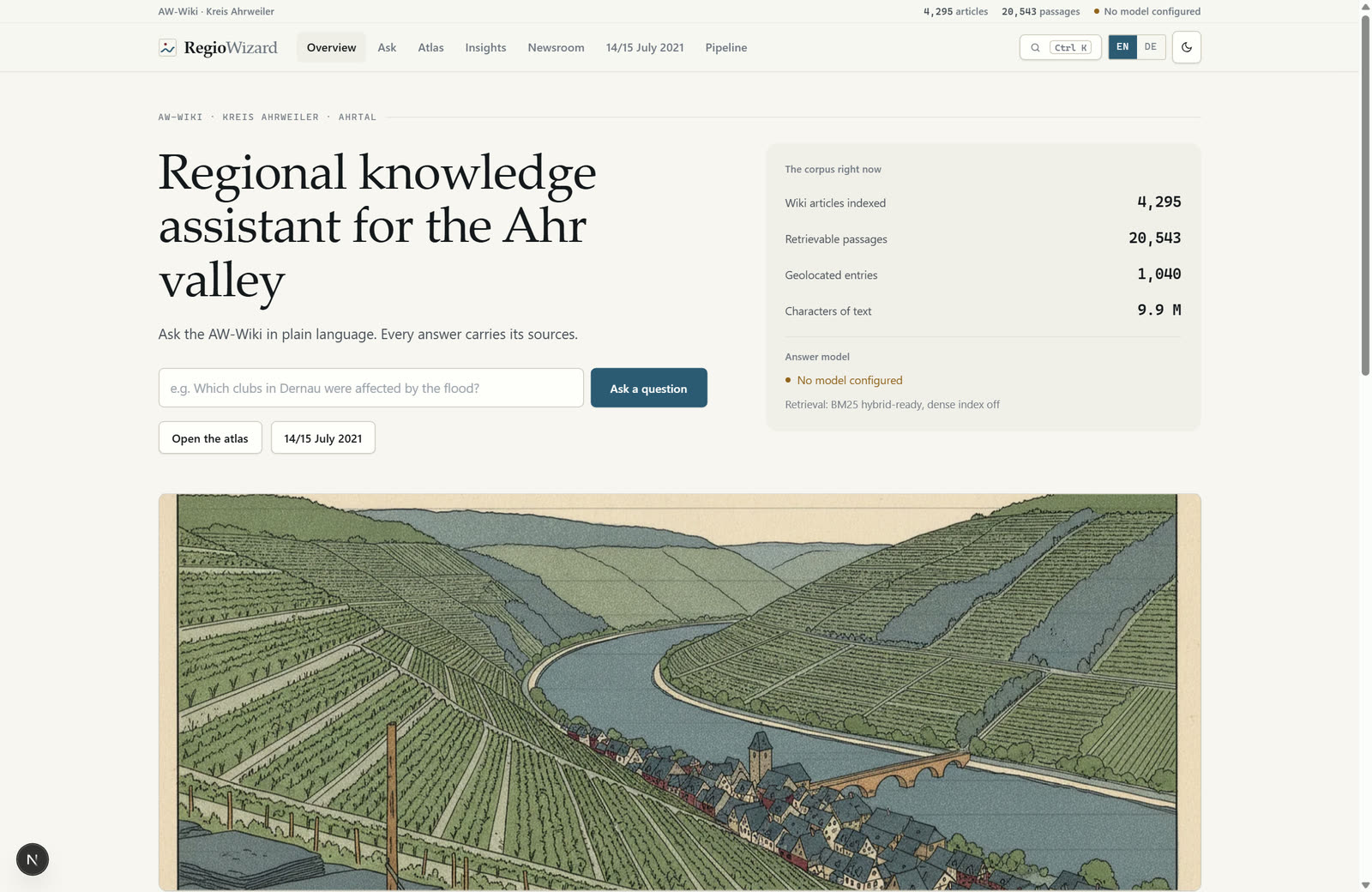
Screenshot of the prototype. The content shown comes from the AW-Wiki.
Prototype
RegioWizard
Starting point
The AW-Wiki collects around 39,000 articles about the district of Ahrweiler. Its search box finds pages that contain a word but does not answer a question.
Implementation
The language model only phrases answers from text passages the search has found beforehand and adds a footnote to every statement. Corpus, index and vectors are stored as files in the project folder.
What it shows
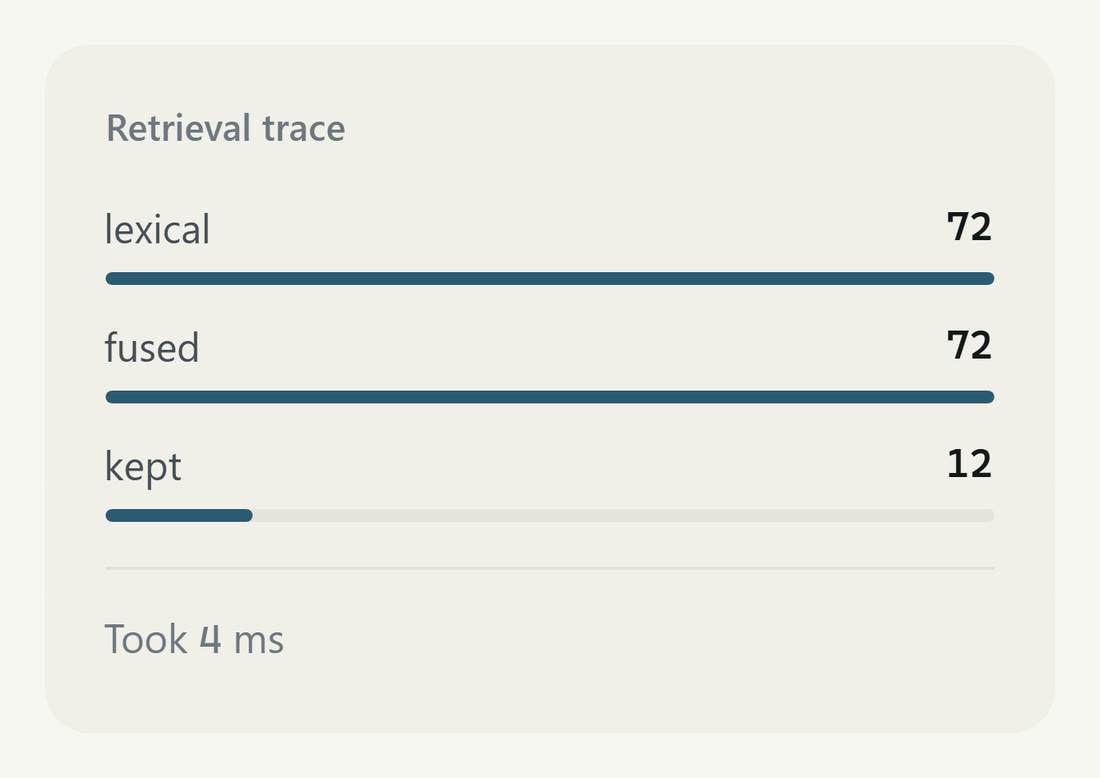
Without a configured model, the system outputs verbatim sentences with a source. Below each answer it shows how many passages were found and used.
“I put out a contract to program a RAG for a LiveAvatar. The offer from iiterate GmbH was the best and I have never regretted this choice.”
Klaus ButtenhauserFounder, Eatopia
How a project usually runs
The table shows what happens in each step and what you contribute. What helps most is one person on your side who is responsible for the project.
How a project runs, with the contributions of both sides
Step
What happens
Your contribution
First conversation
We discuss your situation, the documents and the goal, and establish whether a project makes sense.
A contact person who knows the workflow, and an example of a typical question or a typical document.
Clarify
We review sample documents, collect questions and assess the operating modes.
Sample documents and 20 to 50 real questions from daily work, ideally with the place where the answer can be found.
Prototype
We build the prototype on your documents and measure it against the questions collected.
Access to test data and feedback on interim versions.
Rollout
We connect the system, set up access rights and train the users.
Access and approvals from your IT, and people who try the system in daily work.
Operation and expansion
The system runs, and further collections are added if you wish.
Notes on where answers are missing, and the decision on which collection comes next.
Is an AI system right for your project?
Not every kind of document work needs an AI system. The two lists help with a first assessment.
A good fit if
The same questions or the same document work come up regularly and in larger volumes.
The documents are available in digital form, and you are allowed to use them for the project.
One person in your company is responsible for the project and can answer questions.
Less of a fit if
The rule is clear-cut, so a database query or a fixed form answers the question.
The collection is unsorted and exists in several versions, and nobody knows which one applies.
Every error would have serious consequences, and nobody checks the results before they are used.
Frequently asked questions about AI development
Where do we start if there is no specific use case yet?+
With a list of the questions and documents that take up the most time in your daily work. In the Clarify stage we sort them by frequency and by what a system can do with them. The KI-Readiness-Check among our tools (in German) gives a first look at goal, data and workflow beforehand.
Does the system have to run on our own premises?+
That depends on the data classification. For public or internal documents, a cloud API or operation by a provider in the EU are options. For trade secrets or particularly sensitive data, the language model runs on devices on your own network. You decide which operating mode fits in the Clarify stage.
What preparation do we do ourselves?+
You name a contact person, provide sample documents and collect 20 to 50 real questions from daily work, ideally with the place where the answer can be found. On top of that come access and approvals from your IT and feedback on interim versions.
How do we know whether the assistant is good enough?+
From a fixed test set of real questions whose correct source is known in advance. What is counted is how often the search finds that passage and whether the answer cites it. After a change, the same test set runs again, so two versions can be compared.
How do you prevent made-up answers?+
One effective measure is mandatory citation: the language model only phrases answers from passages the search has found beforehand and adds a footnote to every statement. If the search finds nothing suitable, the system can be built to say exactly that. In the RegioWizard, the system outputs verbatim sentences with a source when no model is configured.
Can we start in the cloud and move later?+
Yes, if the move is planned from the start. The model is rarely the hard part, everything around it is: preparing the documents, the search index, access rights and logging. If these parts run in your environment and only the model call is outsourced, switching is mainly a matter of configuration.
What does the EU AI Act mean for our project?+
The obligations depend on the risk class, and that depends on what the system is used for. The EU-AI-Act-Check among our tools (in German) assigns your use case to a likely risk class and lists the obligations that follow. It does not replace a legal review.
Can we run the system ourselves later?+
That is decided by how it is built, right from the start. The handover package typically includes source code, documentation and a deployment description. With interchangeable components for model, search index and interface, and documented interfaces between them, your IT can take the system further technically.
Sources
Statistisches Bundesamt (Destatis, the Federal Statistical Office of Germany), press release no. 148 of 29 April 2026: “Eine Arbeitsstunde kostete im Jahr 2025 durchschnittlich 45,00 Euro” (an hour of work cost EUR 45.00 on average in 2025). Figure for manufacturing from the table in the release. https://www.destatis.de/DE/Presse/Pressemitteilungen/2026/04/PD26_148_624.html
Send us two or three typical questions and tell us where the answers can be found today. We will discuss with you whether a knowledge assistant fits and how the Clarify stage begins.
Describe the document type, the volume and the system the values belong in. We will discuss with you whether a prototype on real documents is the right start.
Tell us the data classification and the task you want to use AI for. We will discuss with you which operating mode is an option and what it means for effort and dependency.
We would use Google Analytics to understand which pages get read. It sets cookies and sends data to Google. It is not necessary: the site works fully without it.