

How large can a 3D model be in the browser?
A 3D model in the browser has two budgets: transfer and GPU memory. Textures usually decide whether it still runs smoothly on a customer's phone.
This translation was produced automatically using AI. The German version is the editorially reviewed original.
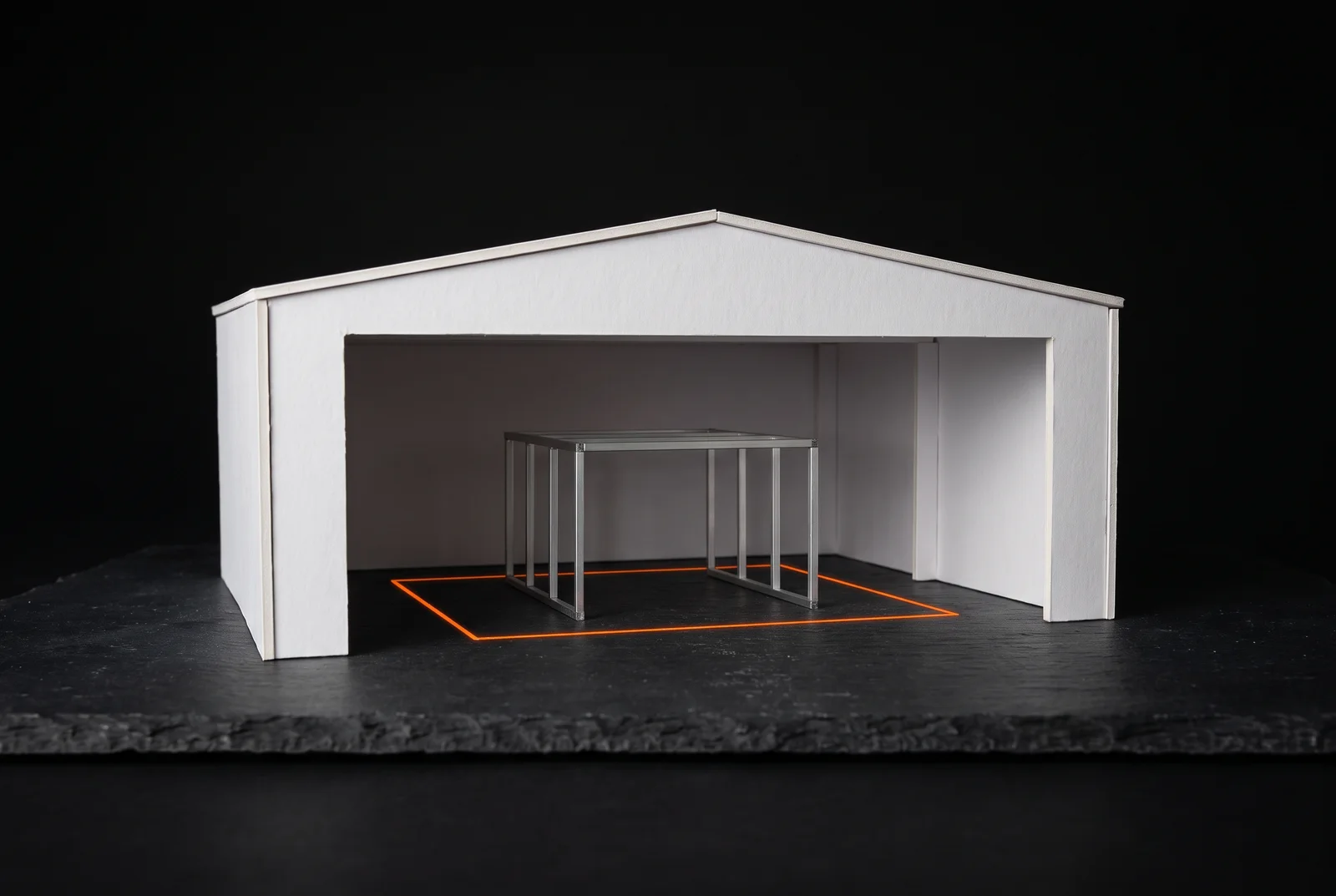
Sales wants to show a modular machine enclosure that visitors can rotate in the browser, and engineering finished the model long ago. A file is exported from the rendering software and runs smoothly on the office desktop. On a customer's phone, however, a loading spinner turns for a long time, and then the picture stutters.
The question of how large such a model may be has no single answer in megabytes. It has two budgets that work differently, and one item that is almost always underestimated.
01. Why a 3D model loads differently from a video
A product video is rendered once and then only played back. A 3D model in the browser, by contrast, is redrawn by the visitor's graphics card on every movement, from triangles for the surface and textures, meaning images for colour and material. That is why a customer can rotate the enclosure or choose a different panel, and that is why their device decides whether this runs smoothly.
A configurator sits between two extremes. A video fixes every frame in advance, a CAD program leaves every dimension open, and a configurator fixes the rules within which the customer chooses freely.
For the question of size this means: the customer's device carries the load. The limit is therefore set by the weakest device your audience uses to open the model.
02. Two budgets that have to be calculated separately
The first budget is transfer. Geometry, textures and the program code for rendering have to travel over the network, and together with the bandwidth their sum decides how long the customer waits. Compression methods make the data smaller for transport.
The second budget is GPU memory. To draw, the device holds geometry and textures in a form the graphics card can work with directly, and that form is often much larger than the transferred file. If memory is insufficient, rendering stutters or the page aborts.
The two budgets behave differently. A well-compressed file can load quickly and still overwhelm a phone's GPU memory, and a file that fits into memory can still take too long to load.
03. Why textures usually tip the balance
The size of a texture grows with the square of its edge length. A texture of 2,048 by 2,048 pixels has four times as many pixels as one of 1,024, and each material often carries several, for example for colour, surface structure and roughness. Eight materials with three textures each already make 24 images.
Then there is the difference between file and memory. JPG and PNG are compressed for transfer, but the graphics card cannot draw with these formats, so they are fully unpacked first. In addition, the device usually keeps reduced copies of every texture for distant views, which increases the requirement by about a third.
Textures in the KTX 2.0 format take a different route. They are converted on load into a format the graphics card can keep compressed even afterwards, and according to the Khronos Group this lowers GPU memory. An extension lets them be embedded directly in glTF files, the common delivery format for 3D on the web.
GPU memory per texture, by format
It is like files in an office: in the binder they take little space, spread out on the desk a great deal. A JPG texture lies spread out on the graphics card, while a texture in a GPU format stays in the binder.
04. Work out the load budget of the enclosure
The calculator separates both budgets and checks them against three assumed device classes. The preset is the enclosure as it might come out of a rendering program: 900,000 triangles, eight materials with three textures each at 2,048 pixels, JPG textures and compressed geometry. All values are examples, including the assumptions about bandwidth and GPU memory for the device classes.
Watch the smartphone row. Then switch the texture format from JPG to KTX2, and after that lower the texture resolution to 1,024.
Transfer in MB, drawn to scale
- Geometry
- Textures
- Code and runtime
- Total transfer
- 24.77 MB
- of which textures
- 21.12 MB
- GPU memory
- 537 MB
Three device classes with assumed throughput, calculated load time, utilisation and verdict
| Device class | Assumption (example value) | Load time | Utilisation | Verdict |
|---|---|---|---|---|
| Office desktop | 50 Mbit/s, 4.0 m triangles, 1,500 MB GPU memory | 4.2 s | 0.4× | runs smoothly |
| Mid-range laptop | 25 Mbit/s, 2.0 m triangles, 700 MB GPU memory | 8.3 s | 0.8× | runs smoothly |
| Smartphone | 10 Mbit/s, 0.8 m triangles, 350 MB GPU memory | 20.8 s | 1.5× | takes too long to load |
In the default setting the model transfers about 25 megabytes, of which about 21 megabytes are textures, and occupies 537 megabytes of GPU memory. With KTX2, GPU memory in the calculation drops to 89 megabytes, but the phone still takes too long to load. Only at 1,024 pixels does the load time fall to about 7.5 seconds, and the verdict changes to "runs with compromises".
05. What the calculation reveals about the example
In this example geometry is the smaller item as long as it is compressed. Double the triangles to 1.8 million and transfer grows by only about three megabytes. Switch compression off and geometry becomes the largest item at about 25 megabytes, and even the laptop takes too long to load.
Texture resolution is the strongest lever. At 4,096 pixels the textures quadruple, and in the calculation even the office desktop fails on load time. Which resolution a material needs depends on how close the customer can get: a wire-mesh panel that never appears nearer than one metre from the camera needs no texture for a magnifying glass.
The calculation is deliberately simple. It knows no draw calls, no shadows and no progressive loading, and its factors for compression and memory are assumptions. It shows proportions and does not predict how a particular model runs on a particular device.
06. How a configurator is built inside
The load budget concerns only one of six stages a model passes through on its way from engineering to the customer. Most projects stall less at the graphics than at the rules.
Model. The geometry needs named parts such as post, door and panel, dimensions in millimetres and a fixed origin. If the model comes out of a rendering program as a single mesh without named parts, the software cannot tell where the door ends, and every variant becomes manual work.
Rules. This is where it is defined which options exist, which exclude each other and which limit dimensions apply. These rules often live in the heads of a few people, or the price list and the configurator keep separate option lists that drift apart.
Variants. The current state belongs in a place a link can carry, such as the page address. If it lives only in the browser's memory, the back button wipes the selection, and nobody can pass their configuration on.
Pricing and bill of materials. Quantities should come from the same geometry as the picture; otherwise a separately maintained bill of materials drifts at some point. Price tiers do not belong in the browser, because anyone can read them there.
Rendering. Material, light, camera, labelling and loading order decide the load budget. That includes deciding when not to draw, because an endlessly rotating model drains batteries.
Output. At the end is what the customer sends: an enquiry with the complete state, a bill of materials or a file for manufacturing. If the enquiry arrives without the configuration, the sales office rebuilds by hand what the customer had already set.
How a parametric definition can run as a service behind such a configurator is described in From Grasshopper model to web configurator. Two calculators that derive quantities and files from one rule are the façade rationaliser and the nesting calculator.
07. What should be settled before export
Most size problems arise at export, and most can be avoided with a few decisions beforehand. Sorted by effect, there are six.
- Define the weakest device class in your audience and calculate both budgets for it.
- Choose texture resolution per material by the shortest viewing distance.
- Share and repeat textures across materials instead of painting every surface individually.
- Consider a GPU-ready texture format when GPU memory is tight.
- Compress geometry for delivery and remove details that are invisible from viewing distance, such as threads, screws and internal parts.
- Derive the browser version automatically from engineering instead of rebuilding it by hand.
The last point decides maintenance. According to the Khronos Group, glTF is a format for the efficient transmission and loading of 3D scenes, which makes it a delivery format and not a working format. If the browser version is regenerated with every engineering change, it stays current, while a hand-built model drifts apart with the first change.
08. When a picture is the better choice
If a product comes in only a few versions, good photographs are cheaper to produce and maintain than any 3D model. Whether a parametric model pays off depends on the number of variants and how often they change, as set out in When a parametric model pays off.
If your audience mainly uses older phones or slow connections, a pre-rendered image or a short video is more robust. And if there is no clean engineering model, a configurator shows unchecked dimensions that someone might order by.
Whether a customer should also see the model in their own space is a separate question. When a dimensional check is enough and when AR helps is covered in Does it fit the room?, and the service itself is described on the page 3D configurators.
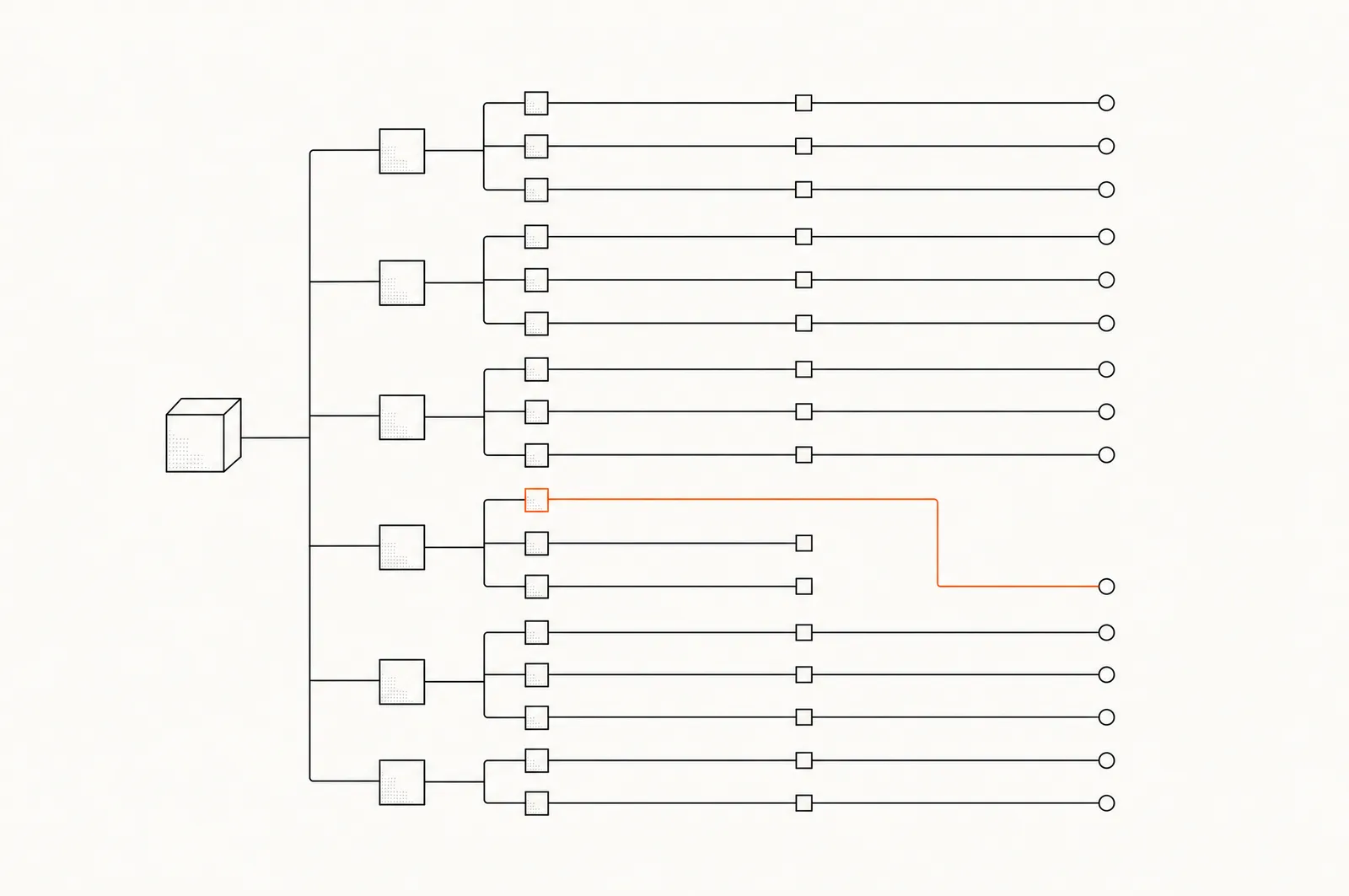 Datenbaum-Fehler: warum Ihre Definition das Richtige rechnet und das Falsche ausgibt